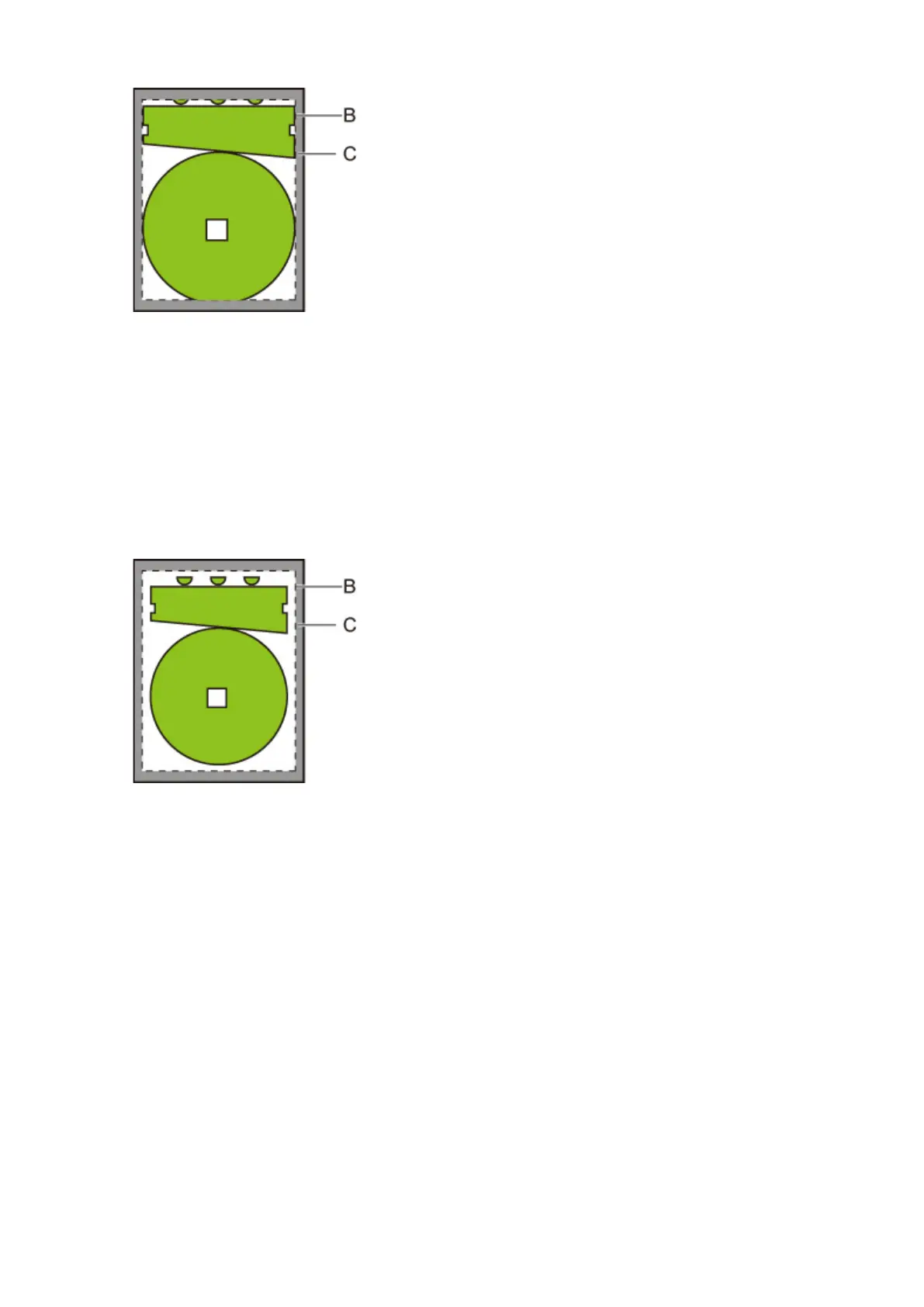
B. Image drawing range
C. Margins
If the actual drawing image is smaller than the specified image drawing range, the image is not cut off
by the margins.
• When Enable is selected:
Printing is performed based on the image drawing image range. The origin is specified on the upper
left of the paper.
Margins are added to the outside of the image drawing range.
B. Image drawing range
C. Margins
When you specify the paper size for printing, select the size which covers both the image drawing
range and margins.
228



 To Next Page