Note
•
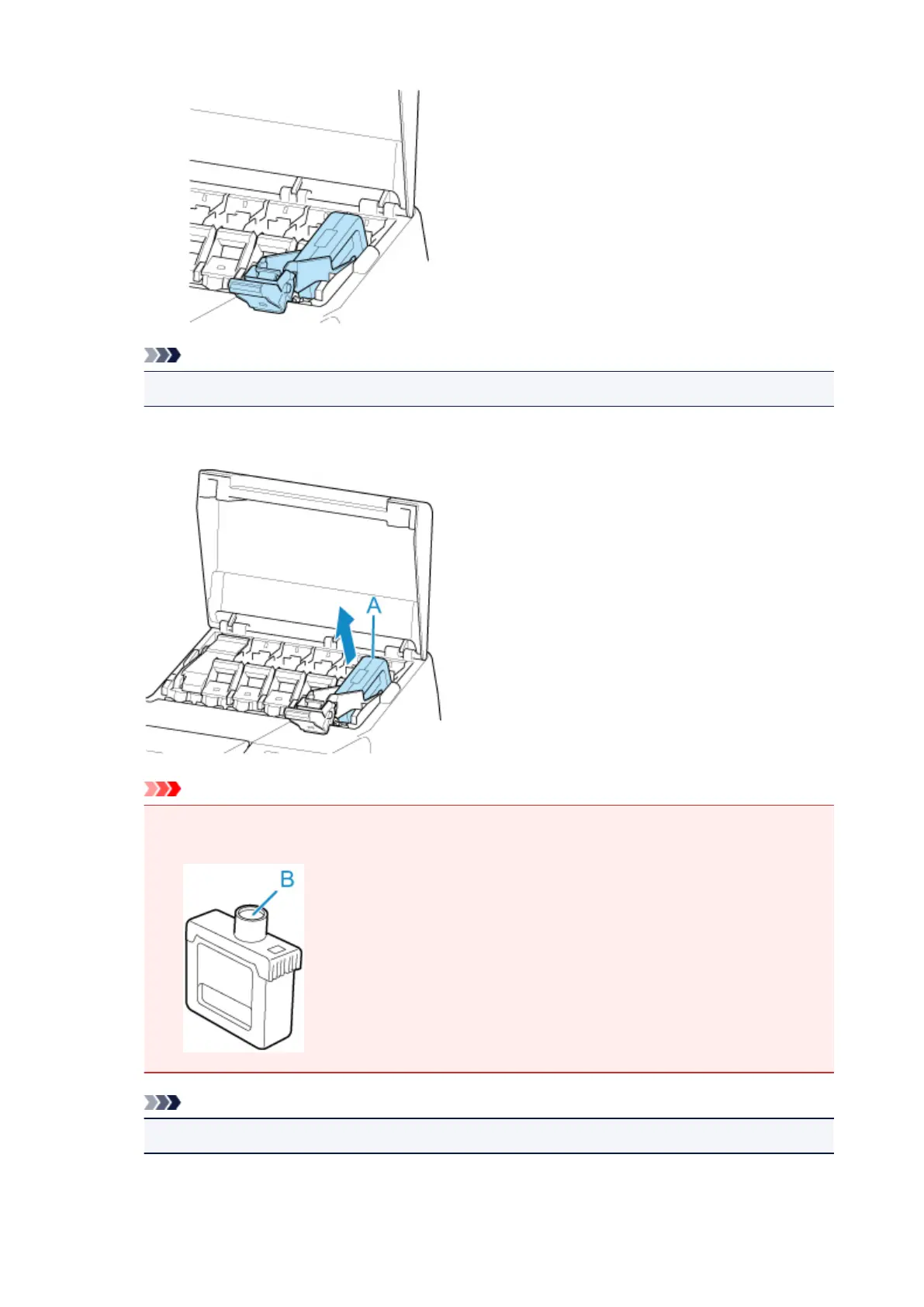
Check that the ink tank lock lever does not return.
4.
Remove ink tank by grips (A), and then tap OK.
Important
• Store the removed ink tank with ink remaining with the ink holes (B) facing up. Otherwise, ink
may leak and cause stains. Put the removed ink tank in a plastic bag and close the bag.
Note
•
Dispose of the used ink tank in accordance with local regulations.
412



 To Next Page