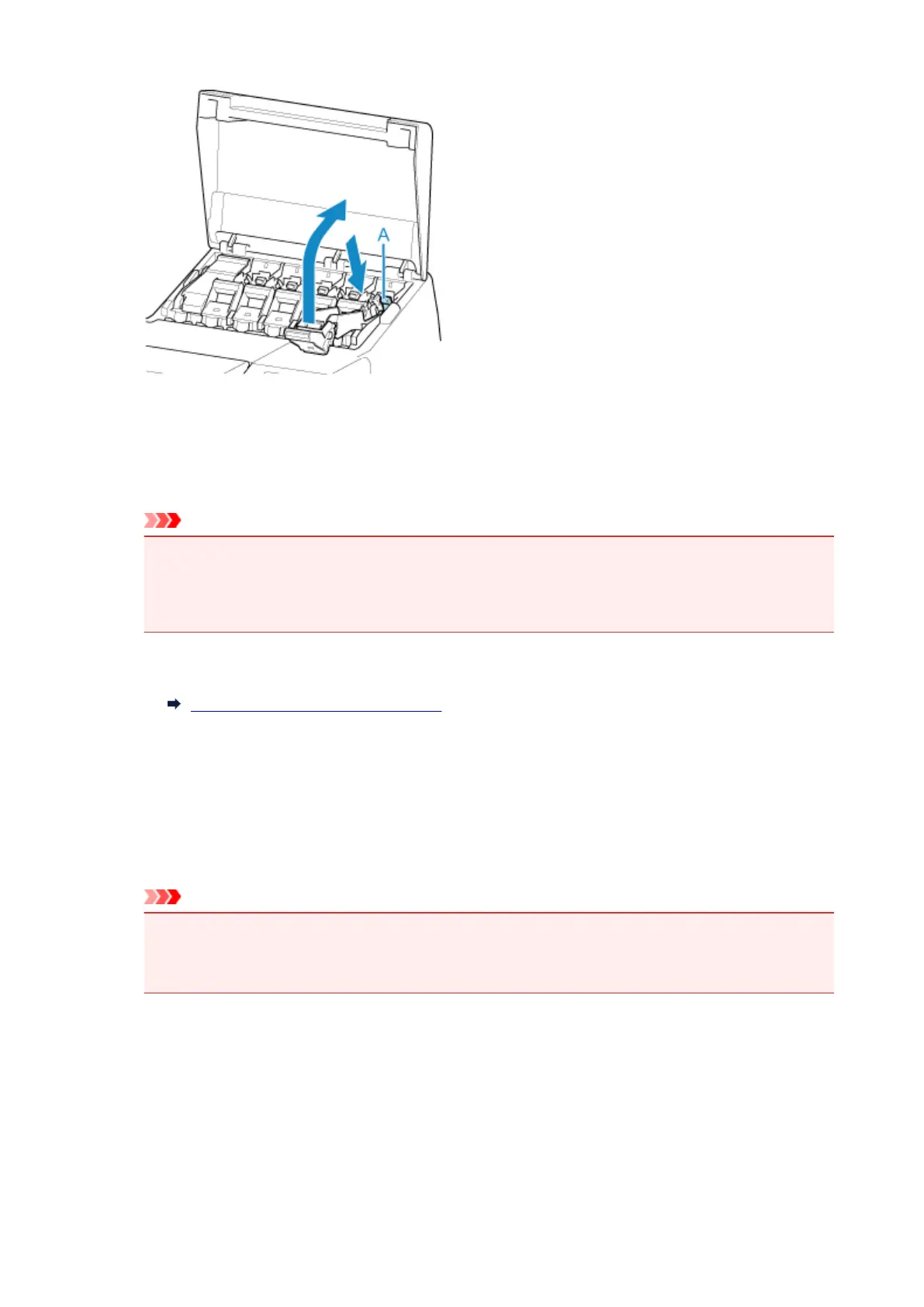
9.
Close ink tank cover.
At this point, ink is drawn out from inside the tubes.
A confirmation message will appear when the process is finished.
Important
• Do not remove the maintenance cartridge except when the message indicating replacement is
displayed.
If you remove the maintenance cartridge while ink is being removed, the ink may leak out.
10.
Replace maintenance cartridge currently being used with new maintenance cartridge.
Replacing the Maintenance Cartridge
11.
Press ON button and turn off printer.
Packing Printer
1.
Disconnect power cord and interface cable.
Important
•
Turn off the printer before you unplug it. Unplugging the printer before it is off and moving it may
damage the printer. If you accidentally unplug the printer, plug it in again, reinstall the ink tanks,
and follow this procedure again.
2. Open top cover.
474



 To Next Page