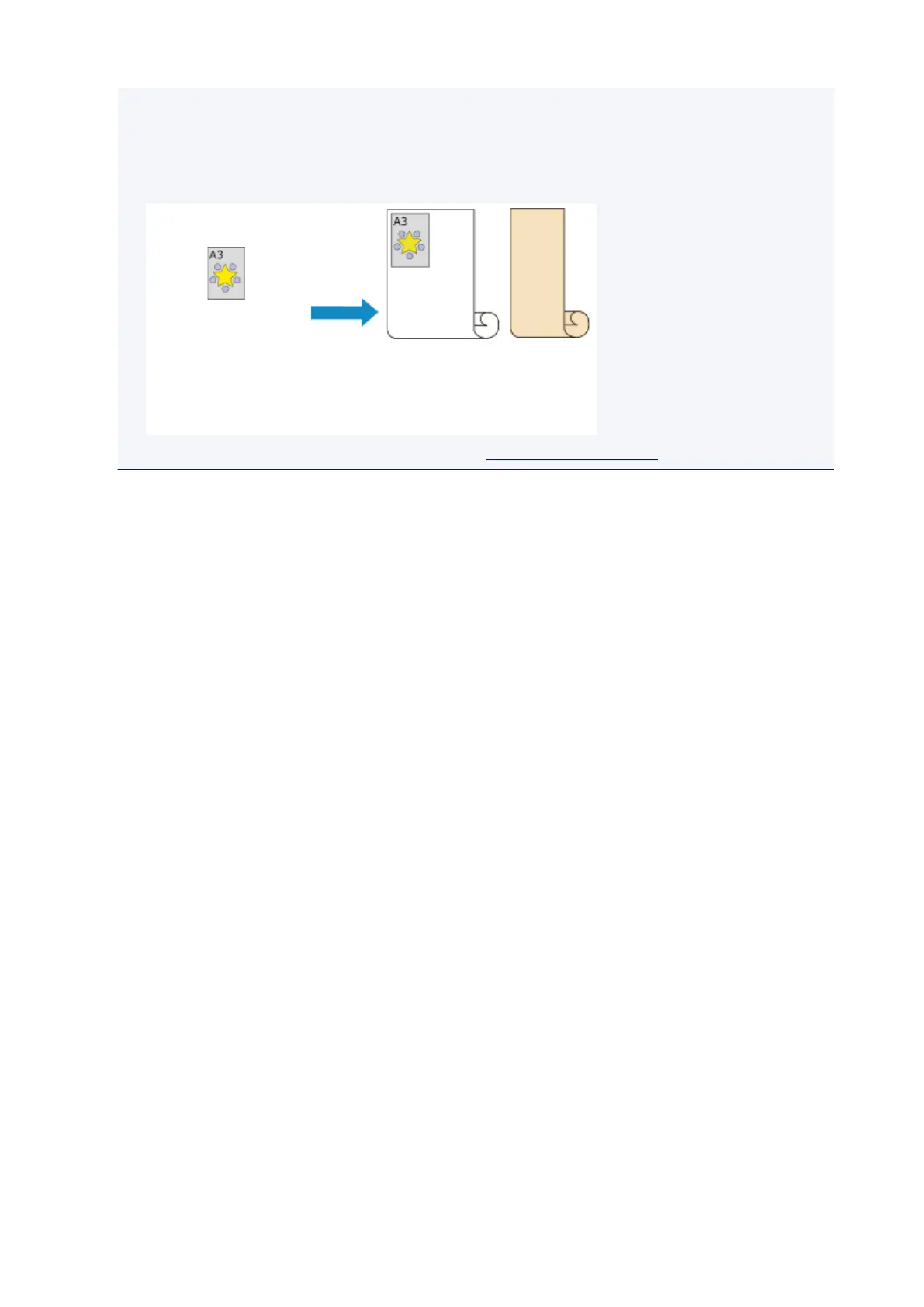
• When rolls of different types of paper and of different width are set in the upper and lower trays, the
paper roll matching the type of paper specified for the print job will be used.
Depending on the settings, an error may occur causing the wrong paper roll to be used; in such
cases, it is recommended that, instead of using 2-level roll switching, you specify which one is best
between paper roll 1 and paper roll 2 and print.
Document
Size: A3
Media Type: Plain Paper
Roll 1:
ISO A1/A2
Plain Paper
Roll 2:
ISO A3/A4
Glossy Paper
• To learn how to switch paper- feeding trays, see "How to switch paper rolls."
550



 To Next Page