Paper retention setting is set to Release, automatic switching of the upper and lower rolls is
not possible.
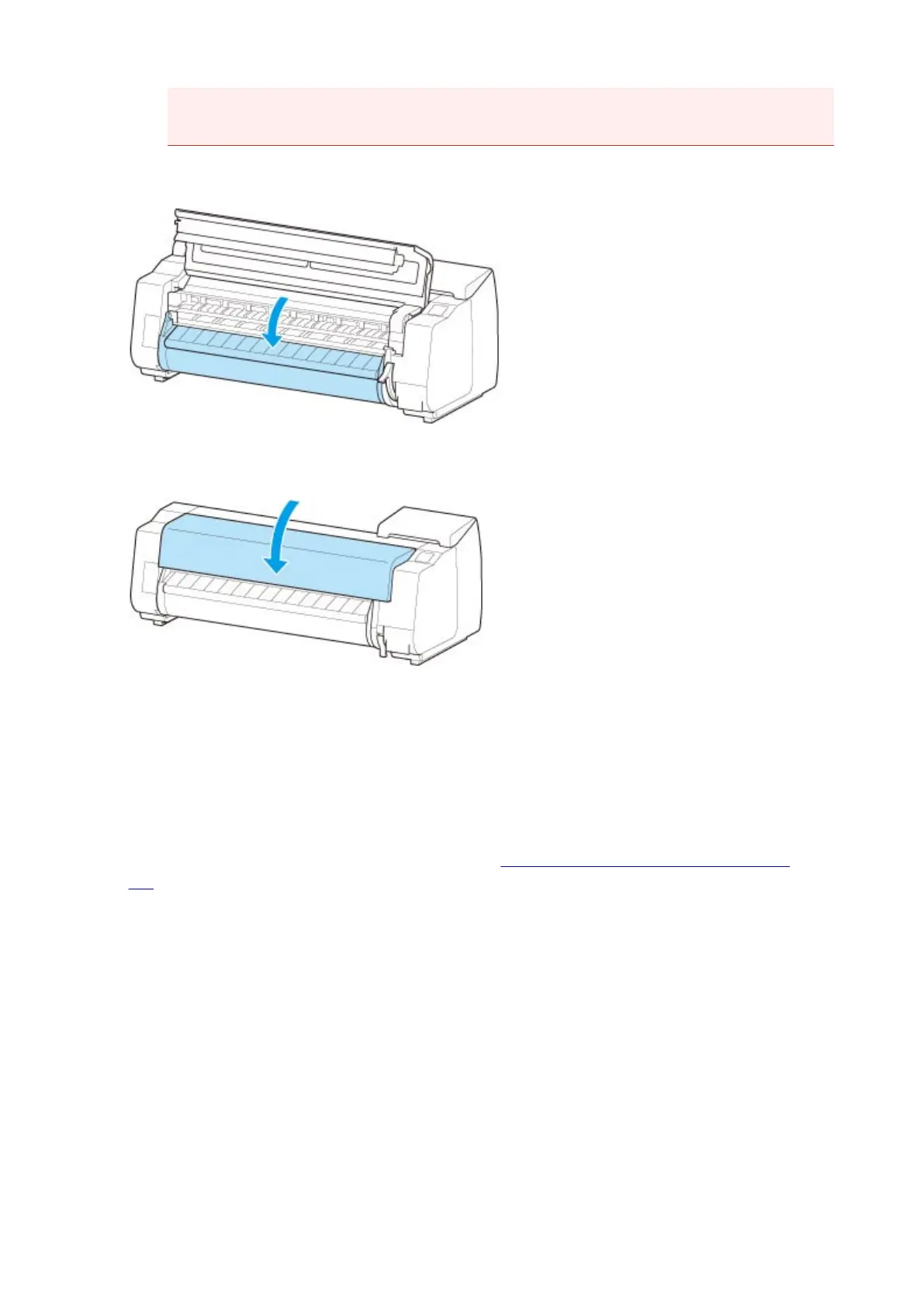
4. Lower output guide.
5.
Close top cover.
•
When selecting Enable in Roll paper auto feed.
The roll paper is fed.
• When selecting Disable in Roll paper auto feed.
Tap Start feeding, and then the roll paper is fed.
Once paper feeding starts, you will need to do the following, based on the Manage remaining roll
amount setting and the barcode printed on rolls. (See "Keeping Track of the Amount of Roll Paper
Left.")
•
When selecting Disable or Warning message in Manage remaining roll amount.
A menu for selecting the media type appears on the touch screen. Operate the touch screen and
select the media type to be used.
•
When selecting Barcodes in Manage remaining roll amount and if the barcode is printed.
The type and amount of paper left is automatically detected based on the barcode printed on the
roll. There is no need to specify the type and length of the paper.
•
When selecting Barcodes in Manage remaining roll amount and if the barcode is not
printed.
A menu for selection of the media type and length is shown on the touch screen. Operate the touch
screen, select the media type to be used, and enter its length.
61



 To Next Page