ECG100+ - ECG200+ - ECG100S - ECG200S
5. INTRODUCTION
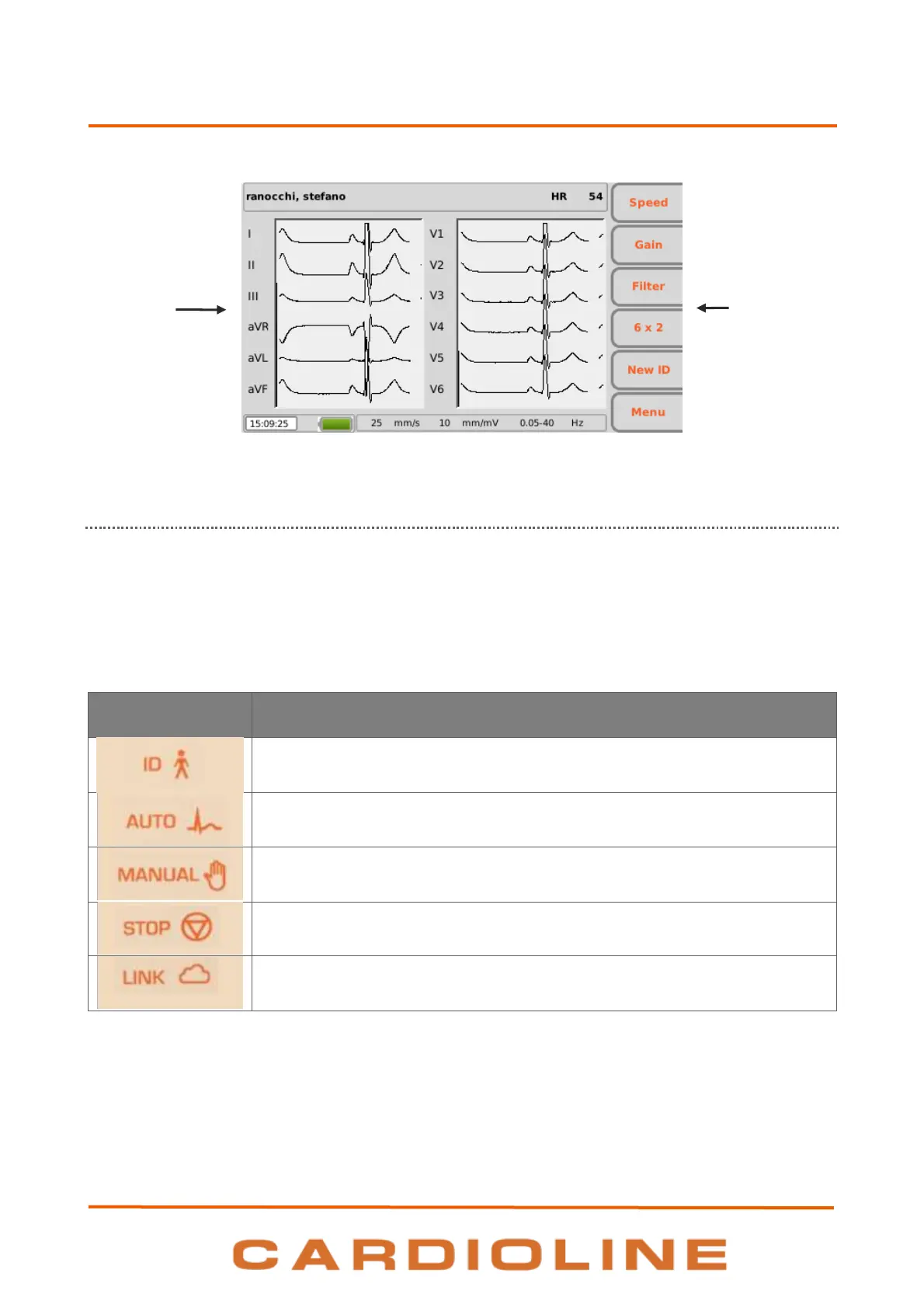
Display with traces and function keys labels
5.4.2. Keyboard
The electrocardiograph is equipped with a complete alphanumerical keyboard for entering numbers,
characters and symbols. The keyboard also has hot keys, to easily activate the main operations, and some
function keys.
Hotkeys
The electrocardiograph has 5 hot keys to activate the following functions:
ECG tracing acquisition in automatic mode.
ECG tracing acquisition in manual mode.
Suspend ECG tracing acquisition in manual mode.
ECG test transmission and worklist download
Function keys
The function keys (F1 – F6) activate the functions indicated in the corresponding boxes on the right-hand
side of the display. The functions change according to the screen displayed. If the box corresponding to a key
is not displayed, that key is not active on that screen.












 To Next Page