ECG100+ - ECG200+ - ECG100S - ECG200S
7. EXECUTION OF AN EXAM
7.5.2. Manual acquisition of an ECG (MANUAL)
Pressing the MANUAL key on the real time display screen starts manual acquisition and printing of the ECG
tracing.
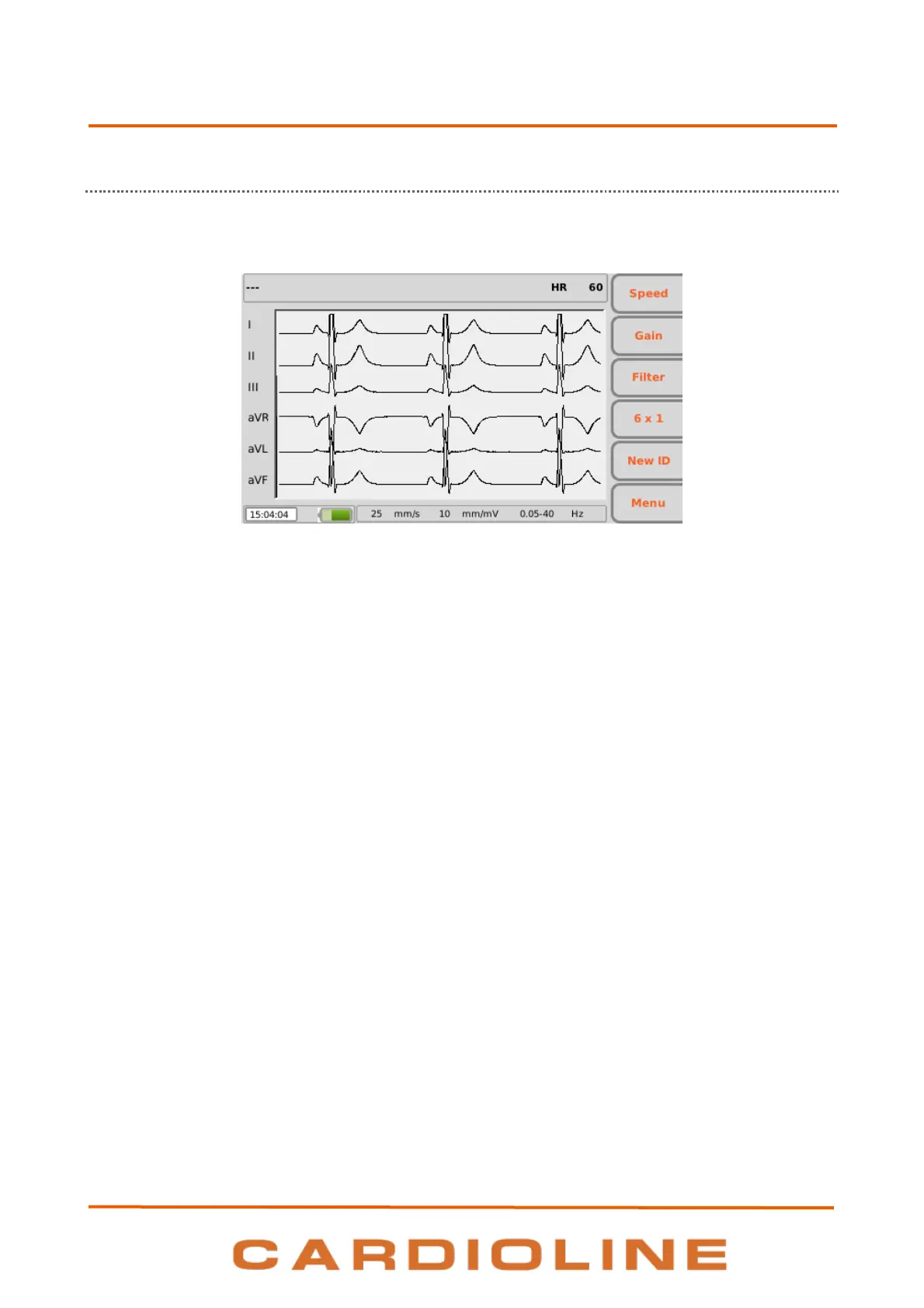
Display during manual acquisition of an ECG
Function keys
The function keys allow you to modify the printing parameters of the ECG:
F1 (Speed): allows you to modify the printing speed (5, 10, 25, 50 mm/s)
F2 (Gain): allows you to modify the amplitude of the tracings (5, 10, 20 mm/mV)
F3 (Filter): allows you to select the low-pass filter to apply to the tracings (off, 150, 40, 25 Hz)
F4 (variable label): to modify the format of the trace printed while keeping the number of channels
chosen. The label shows the current display format:
12x1: 12x1 (only ECG200+/ECG200S)
6x1: 6x1 1
st
, 6x1 2
nd
, 6x1 3
rd
3x1: 3x1 1
st
, 3x1 2
nd
, 3x1 3
rd
, 3x1 4
th
, 3x1 5
th
NOTE: to change speed, amplitude and format of the trace printed you must stop printing and start again.
Hot keys
MANUAL: repeated presses, once the printing is started, allow changing the format of the trace
printed (12x1 (only ECG200+/ECG200S), 6x1 1
st
, 6x1 2
nd
, 6x1 3
rd
, x1 1
st
, 3x1 2
nd
, 3x1 3
rd
, 3x1 4
th
, 3x1
5
th
).
STOP: interrupts manual printing and restores the real time display screen. By pressing the button
once, the printing stops and the paper moves at the end of the current page, by pressing two times
the printing stops immediately without the paper moving at the page end.












 To Next Page