ECG100+ - ECG200+ - ECG100S - ECG200S
6. PREPARATION FOR USE
WARNING: Risk of injuring fingers while handling the paper panel of the printer or the roll control
mechanisms.
NOTE: after printing it is important that the paper is cut by pulling it to the right instead of to the left. If the
paper is pulled towards the left the door may accidentally open, thus causing problems with any subsequent
prints.
NOTE: For the best performance of the thermal printer, use the thermal paper recommended by Cardioline.
6.4. Power connection
The electrocardiograph can also be powered by battery, disconnected from the mains.
Make sure that the power supply is connected to an earthed electrical socket.
If powered by electrical main the plug of the main supply is the main switch used to disconnect the device
from the main supply. Please, be sure to keep it near the device to simply disconnect the device from main
supply.
When the electrocardiograph is not working, it should be plugged in to charge the battery.
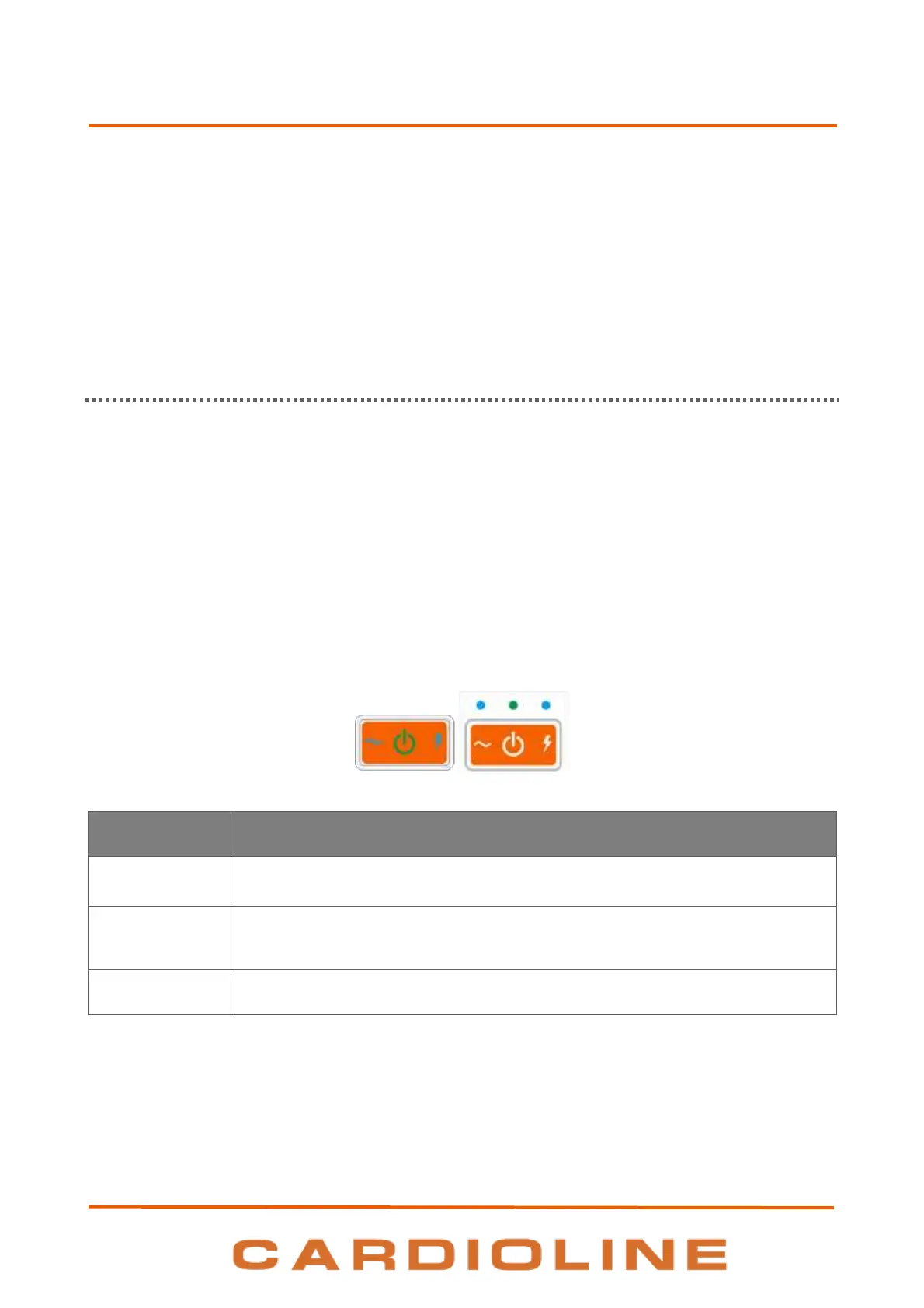
The on/off switch has three led lights, indicating whether and how the device is powered:
NOTE: The first time it is used, the battery must still be fully charged, connecting the electrocardiograph to
the power supply.
Model on/off button + (to the left) and model S (to the right)
Green – Lights on if the device is connected to the electrical mains
Blue – Lights on while device is connected to the electrical mains and battery is
charging. Lights off when battery is completely charged or the device is not
connected to the electrical mains.
Blue – Lights on when the device is switched on.
NOTE: There are specific settings which make it possible to extend the life of the battery (see
Section 12.5). Appropriate use and maintenance also extend its life.
NOTE: The device should be connected to the mains using only the XP Power - AFM60US18 adaptor supplied.












 To Next Page