ECG100+ - ECG200+ - ECG100S - ECG200S
8. MENU AND DEVICE SETTINGS
The following hot keys are also enabled in the archive screen:
LINK: if the connectivity option of the electrocardiograph is enabled, it allows you to send all of the
ECG's not transmitted (“non-transmitted” status flag). Pressing the LINK key opens a message
window indicating the advancement status; press the F6 function key (Back) to close it. If a USB
memory stick is inserted in the type A USB port the LINK button also allows you to save the exams (in
SCP and PDF formats) on it.
NOTE: The cancellation of an examination is definitive and cancelled examinations cannot be recovered.
8.3.1. Archive full
When the archive has reached the limit of 91 exams stored (991 in in the expanded memory version) the
device will warn the user that memory is almost full showing the number of exams saved in memory in red
colour.
When the memory has reached the limit of 100 saved tests (1000 in the extended memory version), when
saving a new test, the device automatically deletes a test from the memory to make room for the new test.
The device first eliminates the tests starting from those transmitted, then those printed and then all the
others, from the oldest moving gradually to the newer ones.
NOTE: To avoid automatic cancellation, periodically check the occupation level of the memory and cancel
ECG’s manually.
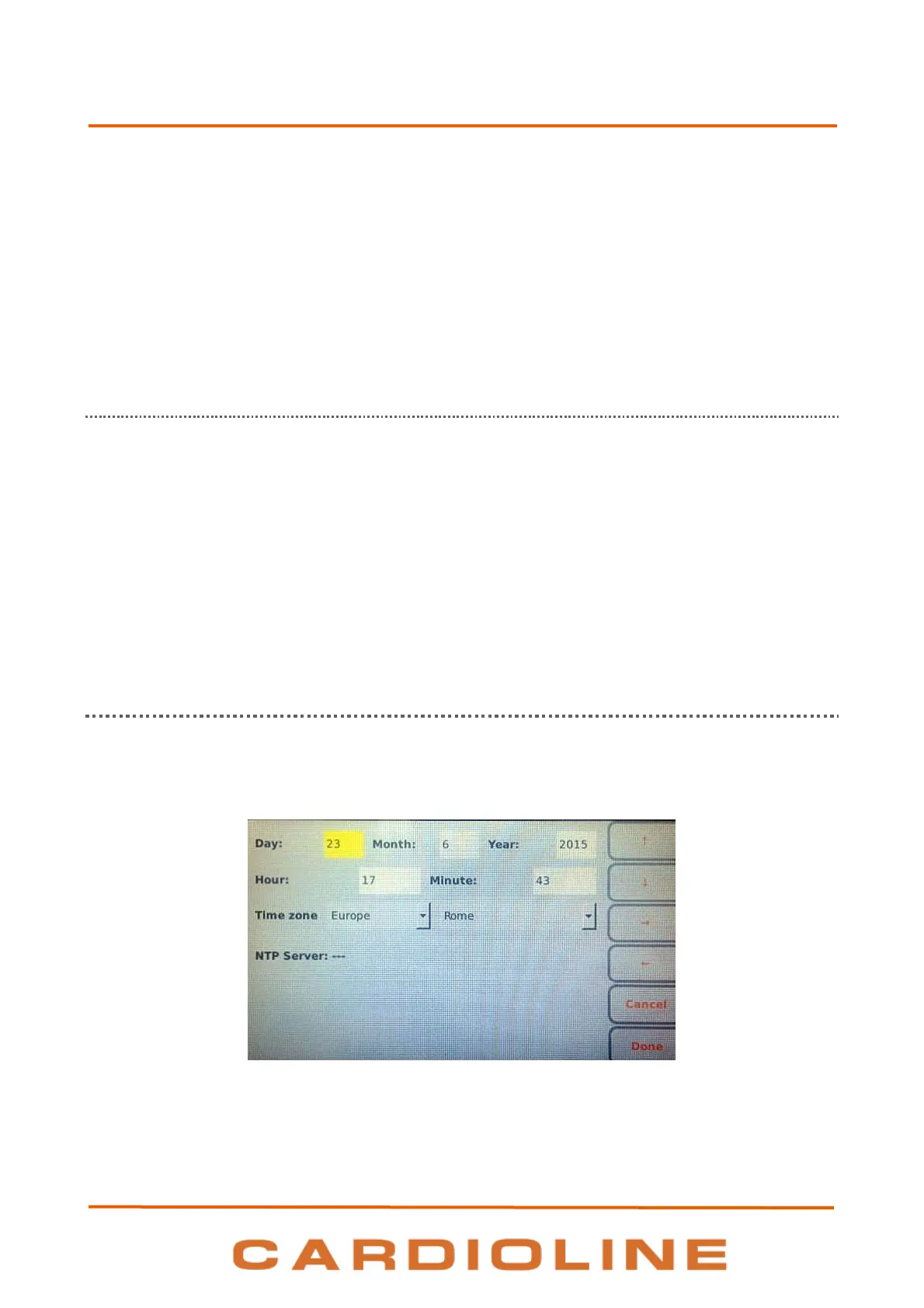
8.4. Date and time
Device date and time can be changed through the Date & Time screen. Press F3 (Date & Time) on the Main
menu to open it.
Date and time setting












 To Next Page