ECG100+ - ECG200+ - ECG100S - ECG200S
8. MENU AND DEVICE SETTINGS
Button to test the wifi connectivity
Enable/Disable the WiFi antenna of the device
and make the WLAN settings page
accessible/inaccessible.
8.7. Protection of the Settings
You can set a security code (PIN) that allows access to the settings section to be protected. In this way you
can prevent the settings from being changed accidentally or by unauthorised personnel.
To enable the protection of the settings set the "Configuration PIN" field to a 4 digits value and save settings.
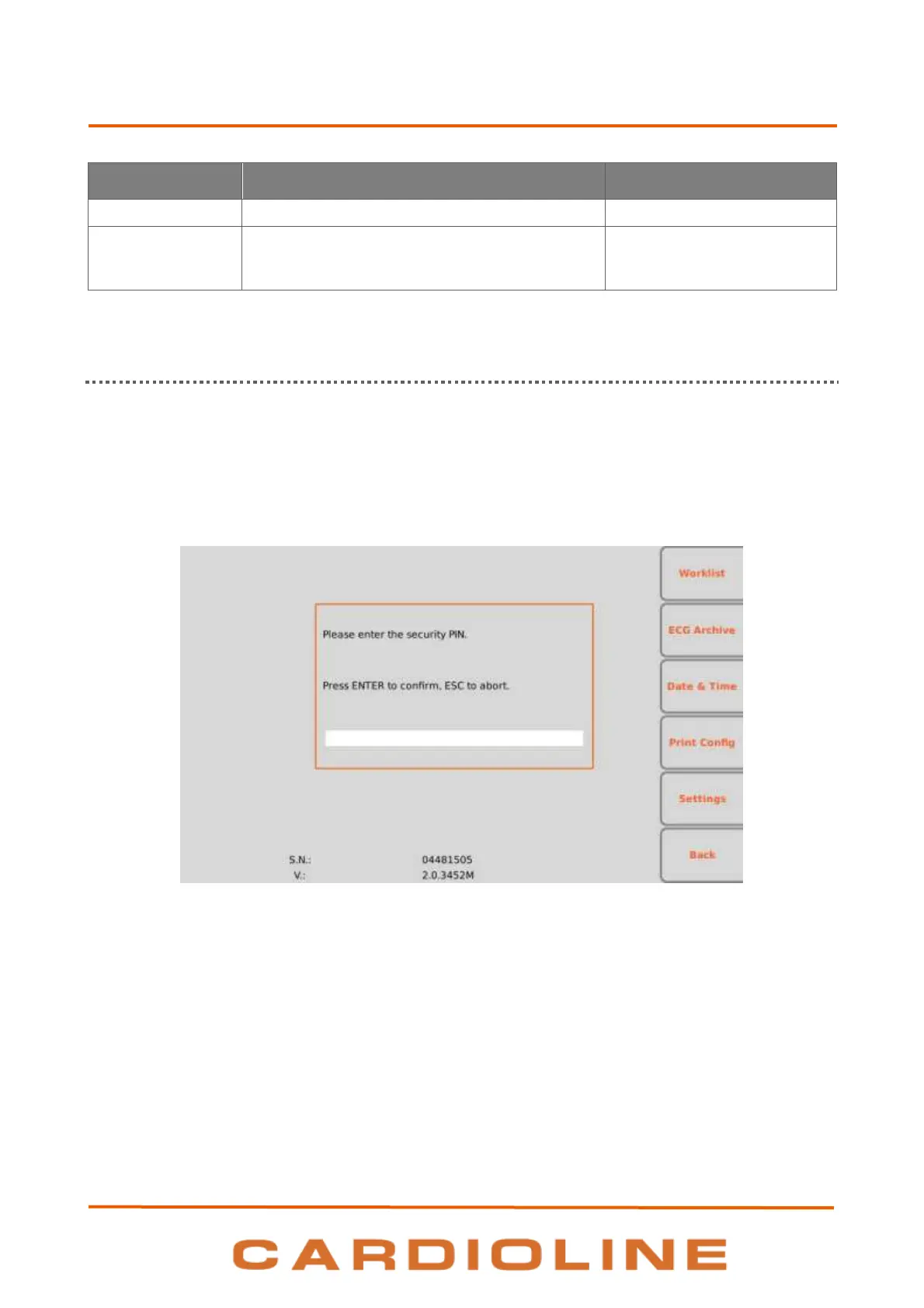
Subsequent log-ins to the Settings section will require the PIN to be entered, as shown in the figure, which
must be entered in the text field shown.
Page for entering the PIN












 To Next Page