CS 3500 User and Installation Guide (9H4853)_Ed07 61
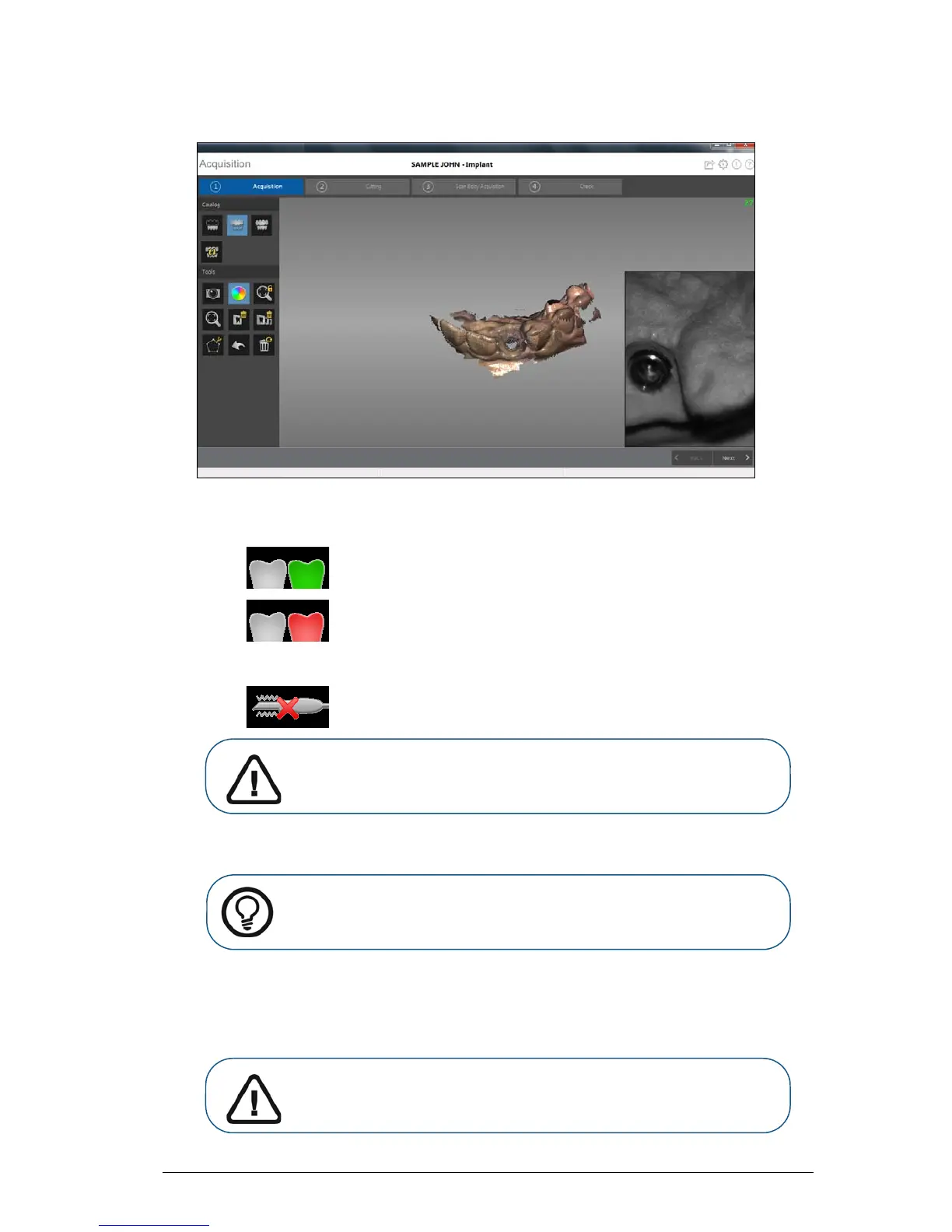
The image below shows several acquisitions of the upper jaw.
After an acquisition, the feedback indicator displays the following:
• — Indicates the image was acquired successfully.
• — Indicates that there is not enough overlap between the last image and the
newest image. Reacquire the image, being sure to overlap with the previous tooth by
approximately 30%.
• — Indicates the CS 3500 was not stable. Reacquire the image.
6 Slowly move the CS 3500 tip along the occlusal surface to scan the remaining teeth in the implant
area, keeping approximately a 30% overlap with the last image.
7 When the occlusal surface scan is complete, scan the lingual surface of the teeth in the implant
area. Hold the CS 3500 at a 45-degree angle to the lingual surface of the teeth.
8 When the lingual surface scan is complete, scan the buccal surface of the implant area. Hold the
CS 3500 at a 45-degree angle to the buccal surface of the teeth.
Important: When scanning a tooth, keep approximately a 30%
overlap with the last image.











 To Next Page