6-MAINTENANCE
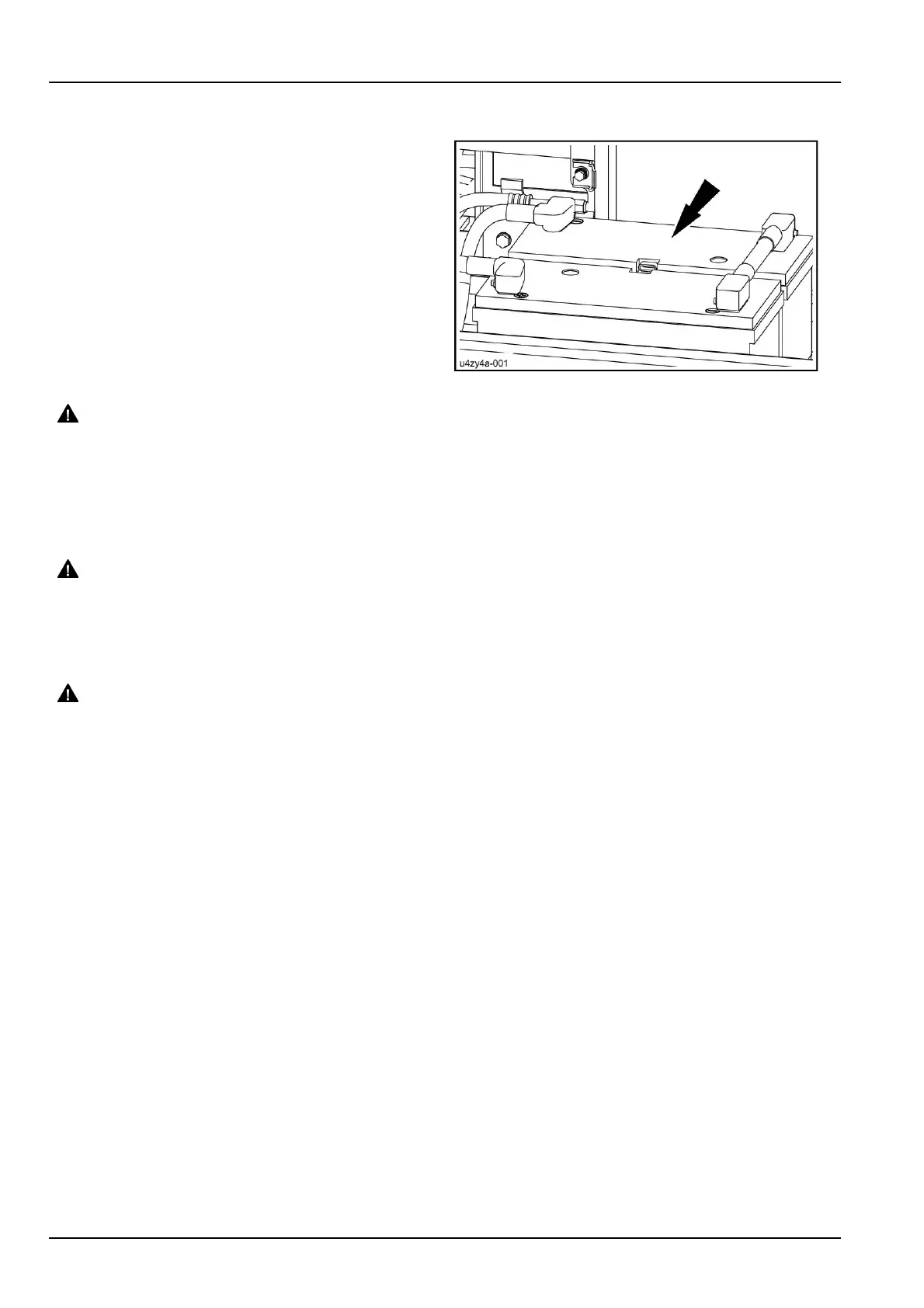
Changingabattery
1.Removetheterminalprotectioncaps,disconnectca-
bles(negativeterminals)andthencables(positiveter-
minals).Removetheanti-sulphatepelletsandthebat-
teryclips.
2.Installanewbattery,putbackitsclips.
3.Cleanthecablesandbatteryterminalsandcoatthem
withgrease.
4.Installnewanti-sulphatepellets,reconnectpositive
cableendstopositiveterminalsandthennegativeca-
bleendstonegativeterminals.Installtheterminalpro-
tectioncaps.
U4ZY4A-001A4
WARNING
Electricalshockhazard!
Donotreversebatteryterminals.Connectpositivecableendstopositiveterminals(+)andnegative
cableendstonegativeterminals(-).
Failuretocomplycouldresultindeathorseriousinjury.
W0262A
5.Installtheskidplate.
WARNING
Hazardtobystanders!
Alwaysstorebatteriesinasafelocation.Keepoutofreachofchildrenandotherunauthorizedper-
sons.
Failuretocomplycouldresultindeathorseriousinjury.
W0224A
WARNING
Batteryacidcausesburns.Batteriescontainsulfuricacid.
Batteryelectrolytecontainssulfuricacid.Contactwithskinandeyescouldresultinsevereirritation
andburns.Alwayswearsplash-proofgogglesandprotectiveclothing(glovesandaprons).Wash
handsafterhandling.
Failuretocomplycouldresultindeathorseriousinjury.
W0120A
6-86













 To Next Page