3-SETUP
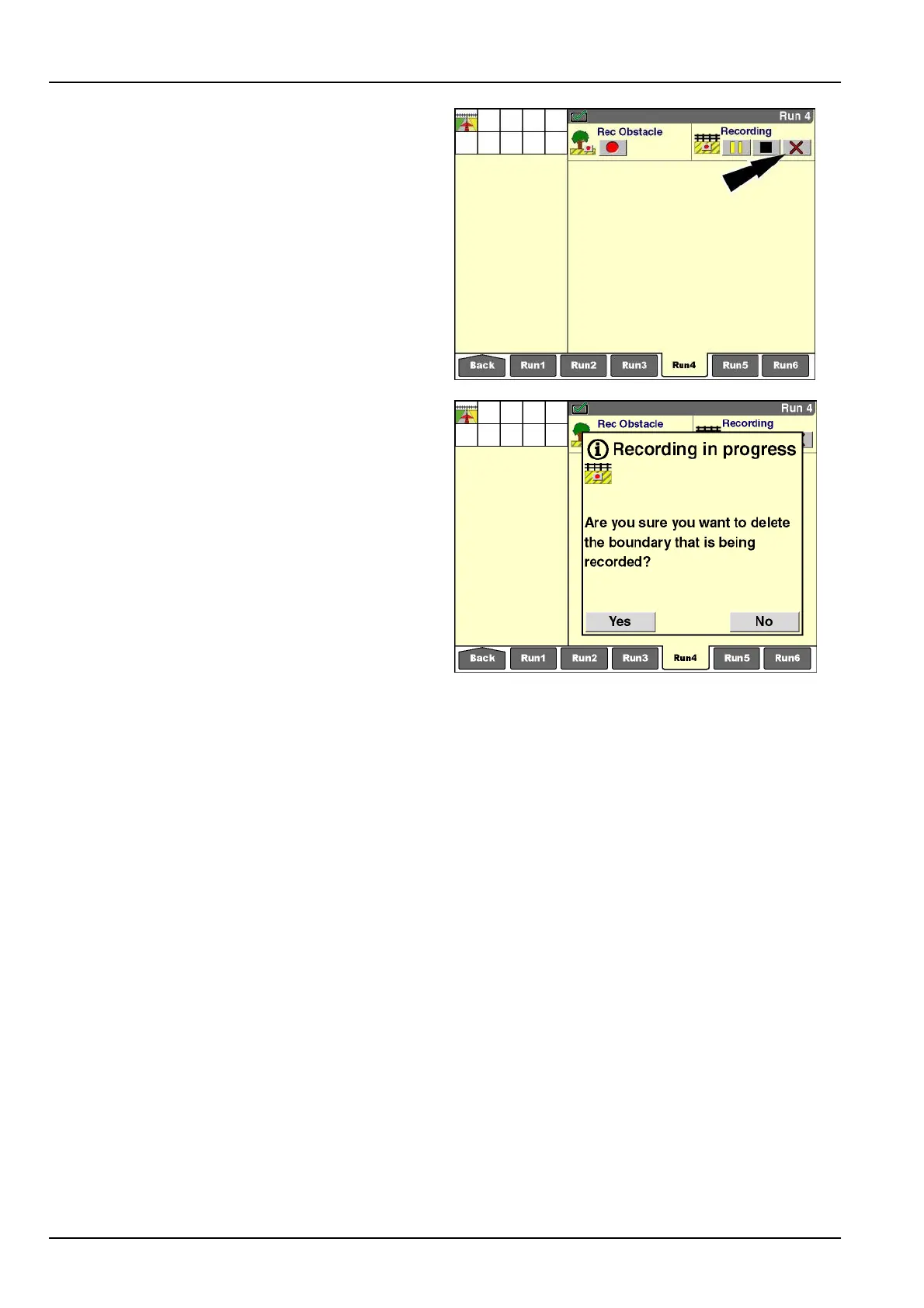
“Cancel”button
Exitboundaryrecordingatanytimebypressingthe“Can-
cel”button.Thisactiondeletestherecordinginprogress
fromdisplaymemoryandthememorystick.Amessage
displaysimmediatelyafterthebuttonispressed:“Are
yousureyouwanttodeletetheboundarythatisbeing
recorded?”
Pressthe“Yes”buttontocancelrecordinganddeletethe
boundaryinprogress.The“RecordingBoundary”icon
disappears.
Pressthe“No”buttontocontinuetherecordingin
progress.The“RecordingBoundary”iconremainsinthe
statusandwarningiconarea.
RCIL11DSP058BBG27
RCIL11DSP059BBG28
3-122



 To Next Page