20021201
8-2-18
Drawing Figures
u To reflect a line segment with respect to a specified line of symmetry
(1) Draw a line segment.
(2) Draw a line to use as the line of symmetry.
(3) Tap G, and then select the line segment.
(4) Tap [Draw], [Construct], and then [Reflection].
• This highlights the reflection button on the toolbar.
(5) Tap the line of symmetry.
• This reflects the line segment you drew in step (1) about the line of symmetry.
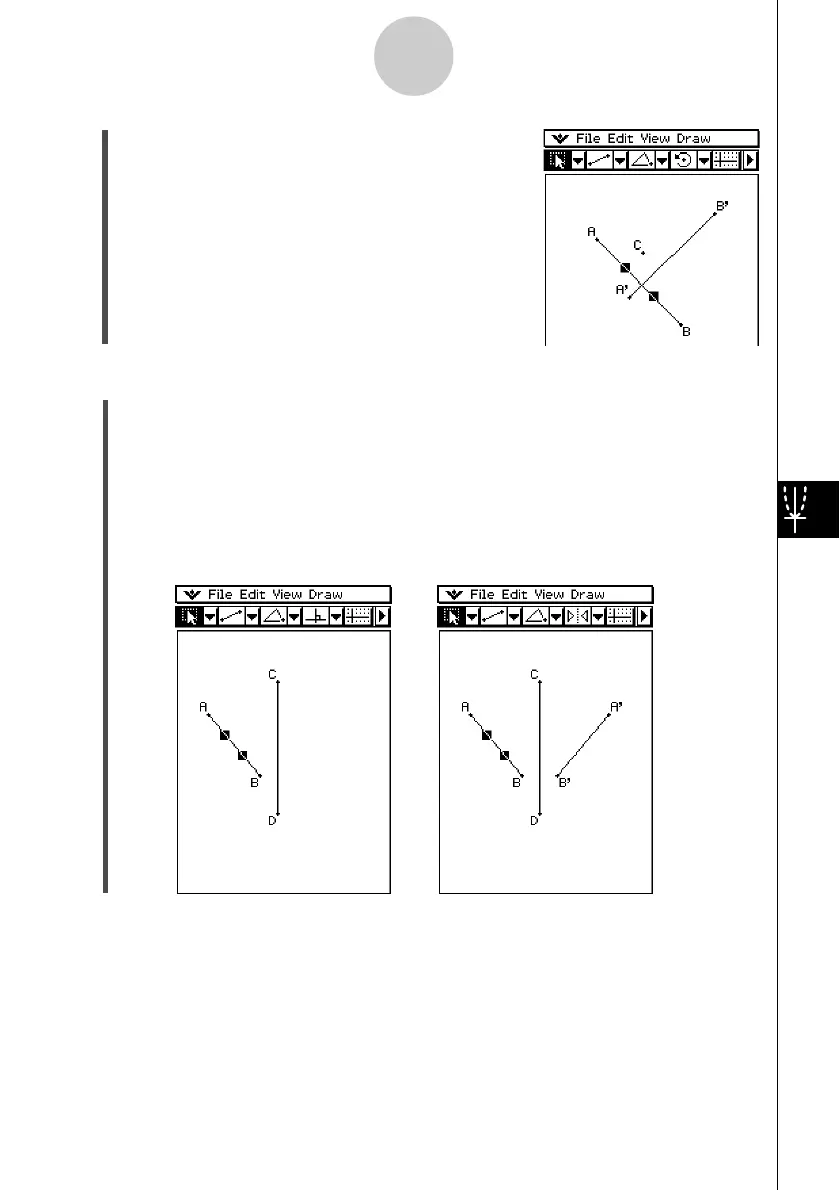
(5) Tap [OK] to rotate the line segment.












 To Next Page