20021201
9-2-2
Using Numeric Solver
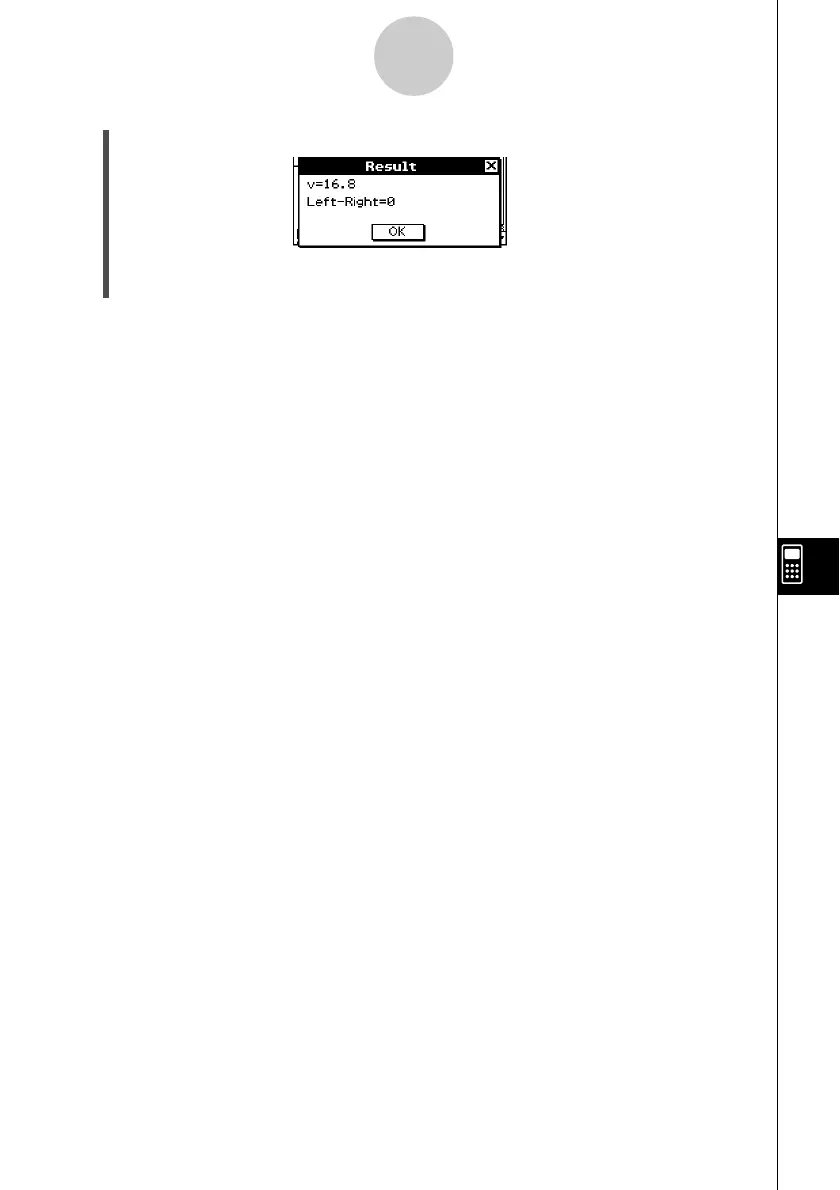
(6) Tap 1, or tap [Solve] and then [Execute] on the Numeric Solver menu.
• The [Left–Right] value shows the difference between the left side and right side
results.
Tip
• Numeric Solver solves functions by calculating approximations based on Newton’s method.
This means that solutions may include errors that are not actual solutions. The accuracy of
solutions can be determined by viewing the [Left–Right] value. The closer the [Left–Right]
value is to zero, the more accurate the results.
• If ClassPad judges that the displayed results are not converging sufficiently, it displays the
message “Did not converge. Do you wish to continue a calculation?” Tap [Yes] to continue, or
[No] to cancel the calculation.
20030201












 To Next Page