27
GB
INSTALLATION
RX DC X-RAY UNIT
6.2 Handheld Functions
WIRELESS HANDHELD
NOTE: This section applies only to models RX DC REF: MRPU***W*, MRXU***W*
(Character * can be any alphanumeric value)
The handheld is turned on by pressing any key, except for the one for x-ray emission.
A buzzer rings to conrm that the unit has been turned on. The unit will be in the standard conguration and it will start
searching for the base it works with.
If the base is o, the handheld will not indicate the eld or the status “ready”. If the base is later turned on, the handheld
will detect it within thirty seconds or by pressing any function key on the push-button panel.
NOTE: To optimise the range of the handheld while it is being used, keep it away from walls and metal
instruments and, above all, do not cover its built-in antenna on top of the screen. In addition, performance
may be reduced if the handheld is moved too quickly while x-rays are being taken. Error E302 / E303 may
be displayed if out of range problems occur.
AUTOMATIC HANDHELD SHUT OFF:
Once the control unit has been turned o, the handheld automatically shuts o after approximately one minute.
The handheld also automatically shuts o when it is at a further distance from the maximum range of the control until.
HANDHELD TIMED STAND-BY:
The entire x-ray unit will switch over to stand-by (even if the base is on) and the handheld will automatically shut o
after approximately ve minutes of non-use to save battery power.
BATTERIES AND CHARGE LEVEL INDICATION:
The handheld runs on two standard AA alkaline batteries to assure sucient stand-alone operation.
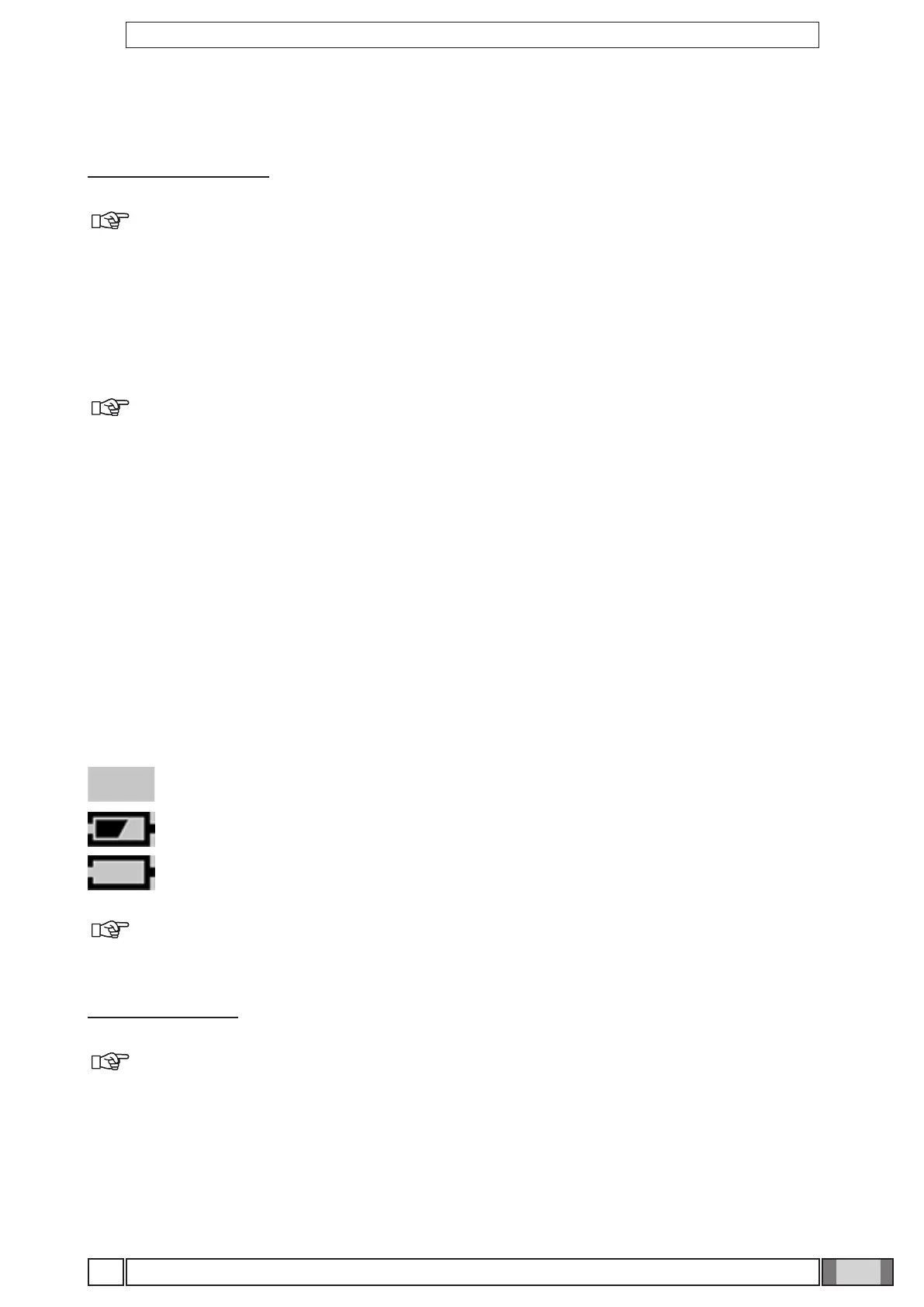
The charge level of the batteries is shown on the screen as follows:
Battery fully charged (no symbol appears in the area that shows the battery charge level).
Battery half-charged.
Battery charge level low or almost dead (causing the handheld to automatically shut o).
NOTE: The batteries should be removed from the handheld if it is not going to be used for an extended
period.
WIRED HANDHELD
NOTE: This section applies only to models RX DC REF: MRPU***C*, MRXU***C*
(Character * can be any alphanumeric value)
AUTOMATIC HANDHELD SHUT OFF:
The handheld will automatically turn o after switching o the control unit.



 To Next Page