46
A
• x-ray sticker
GB
INSTALLATION
RX DC X-RAY UNIT
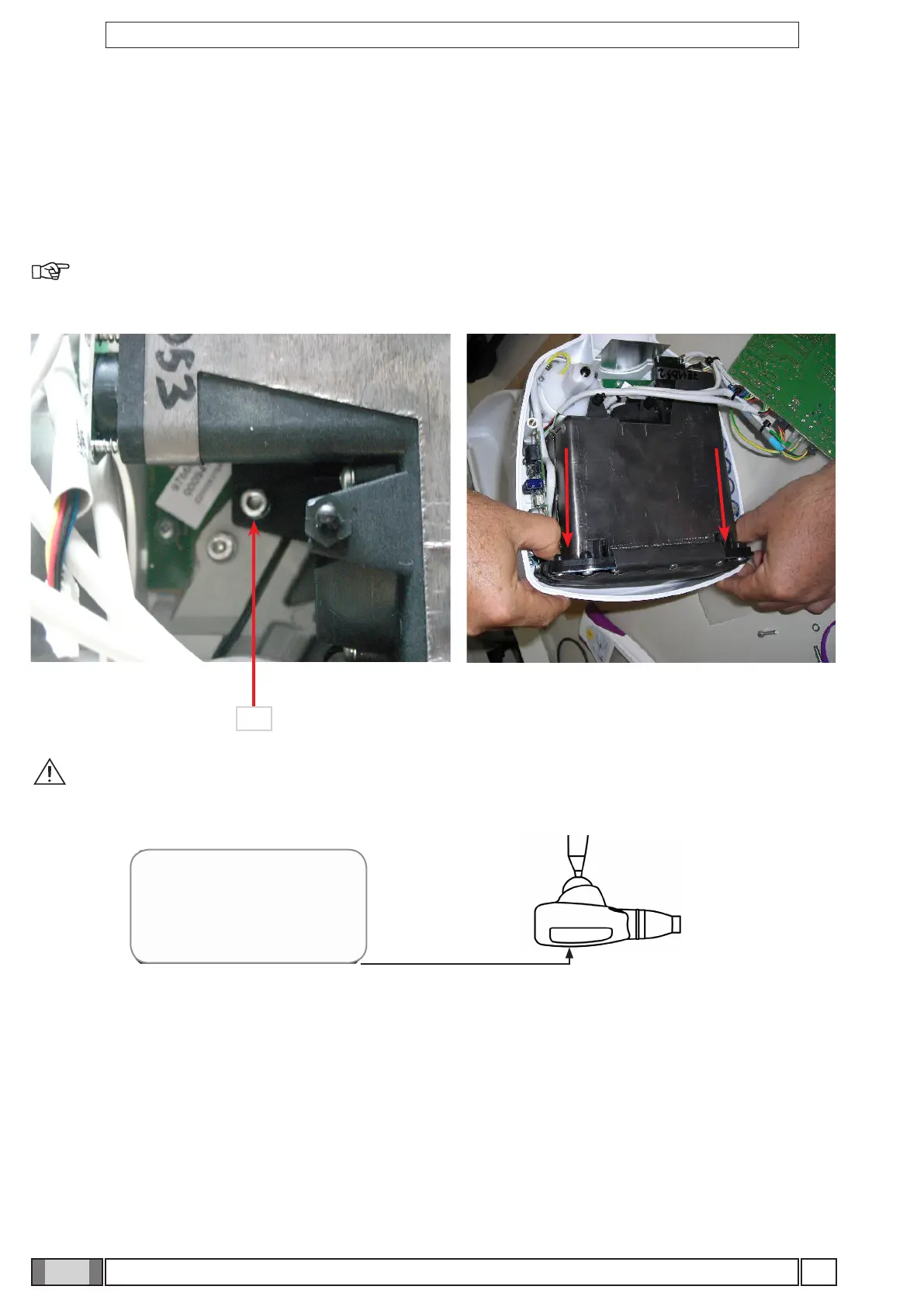
WARNING! After replacing the x-ray tube it is mandatory to replace the sticker with the tube serial
number as well. The serial number sticker is provided together with the spare part (x-ray tube).
To reinstall the X-ray head, perform the procedure in reverse order, being careful to lay the cables properly.
10.1 Handheld unit-X-ray head association
In case of handheld replacement or in case of X-ray head control board replacement it is only necessary to associate
the handheld with the X-ray head. To do this, you rst need to set the head in combination mode, then send a recogni-
tion signal from the head's remote control.
After a 30" time of inactivity, the hendheld unit turns o if it is not in "ready" mode.
10. X-RAY HEAD
Replacement
Follow the instructions given above to remove the basic X-ray head control card. Detach all the cables connected to
the head that may get in the way. Loosen the screw "A" that secures the head, move it to the rear and lift it as shown
in the gure
NOTE: The X-ray head has to be calibrated with function T05 on the technical menu when replaced (see
Par."User and technician conguration menu").



 To Next Page