21
Reader
Reader
Cover
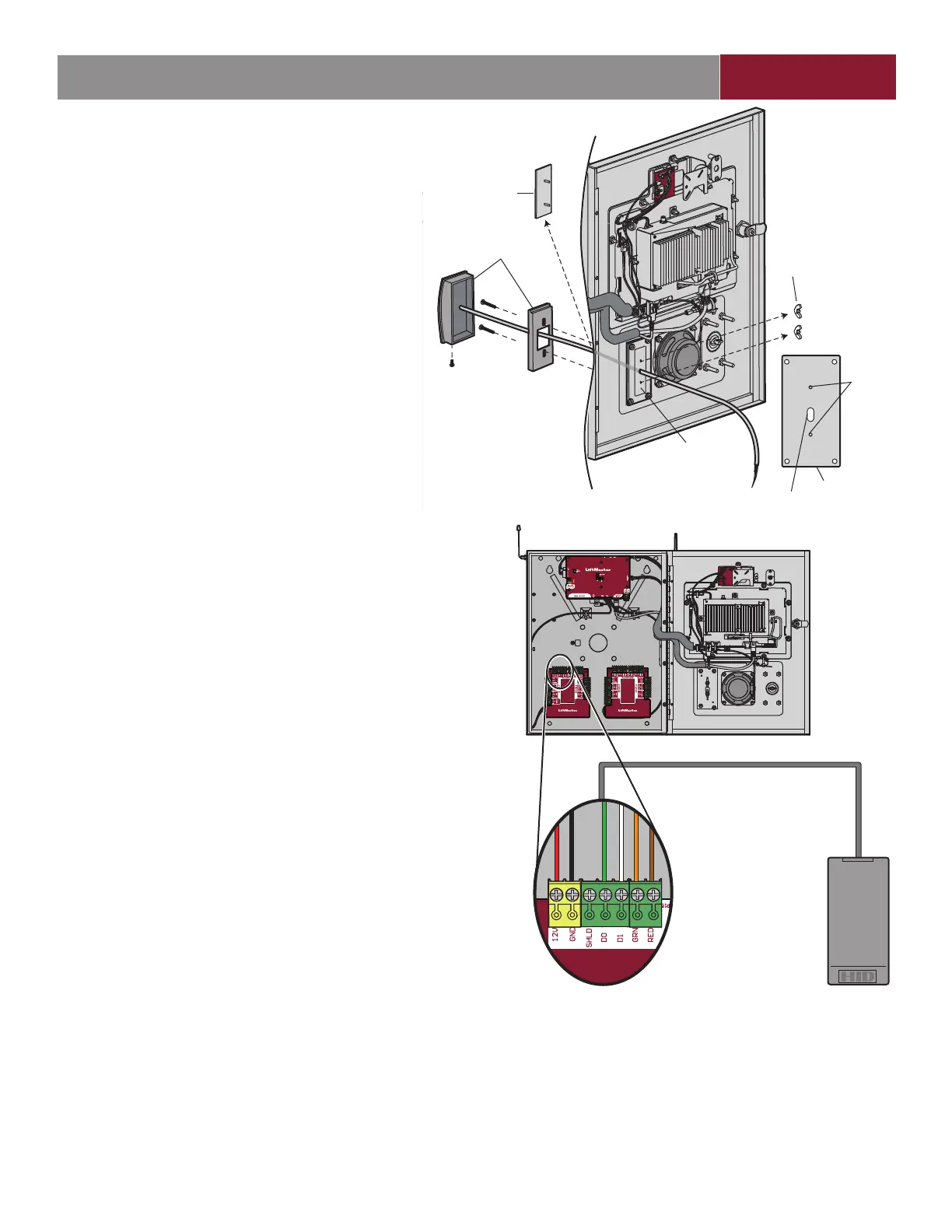
Wing Nuts
Mounting Plate
Mounting
Holes
Cable
Hole
Mounting Plate
Card Reader
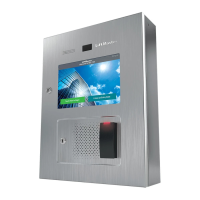
The CAPXL / CAPXLV is designed specifi cally for the LMMC-
MINI reader to be mounted on the faceplate.
1. Disconnect power from the CAPXL / CAPXLV.
2. Remove and discard the wing nuts and reader cover from
the CAPXL / CAPXLV.
3. Install the reader and secure with the screws.
4. Apply silicon around the cable hole.
5. The reader can be wired to any of the 4 Wiegand Inputs
on the door control boards. Insulate any unused wires
from the CAPXL / CAPXLV to prevent a short. (Refer
to instructions provided with your reader for more
information.)
6. Reconnect power to the CAPXL / CAPXLV.
7. Refer to myQ
®
Business™ for programming.
INTRODUCTION PRE-INSTALL NETWORKINSTALL ACCESS CONTROL
ON
WIEGAND
INPUT
Reader is wired to WIEGAND INPUT
NOTE: The length of the unshielded
reader wires should be kept to
a minimum to avoid electrical noise.
Use 18-24 AWG
READER
brown
orange
white
green
black
red


 To Next Page