Automatic Transformer Test System 3300/3302 User’s Manual
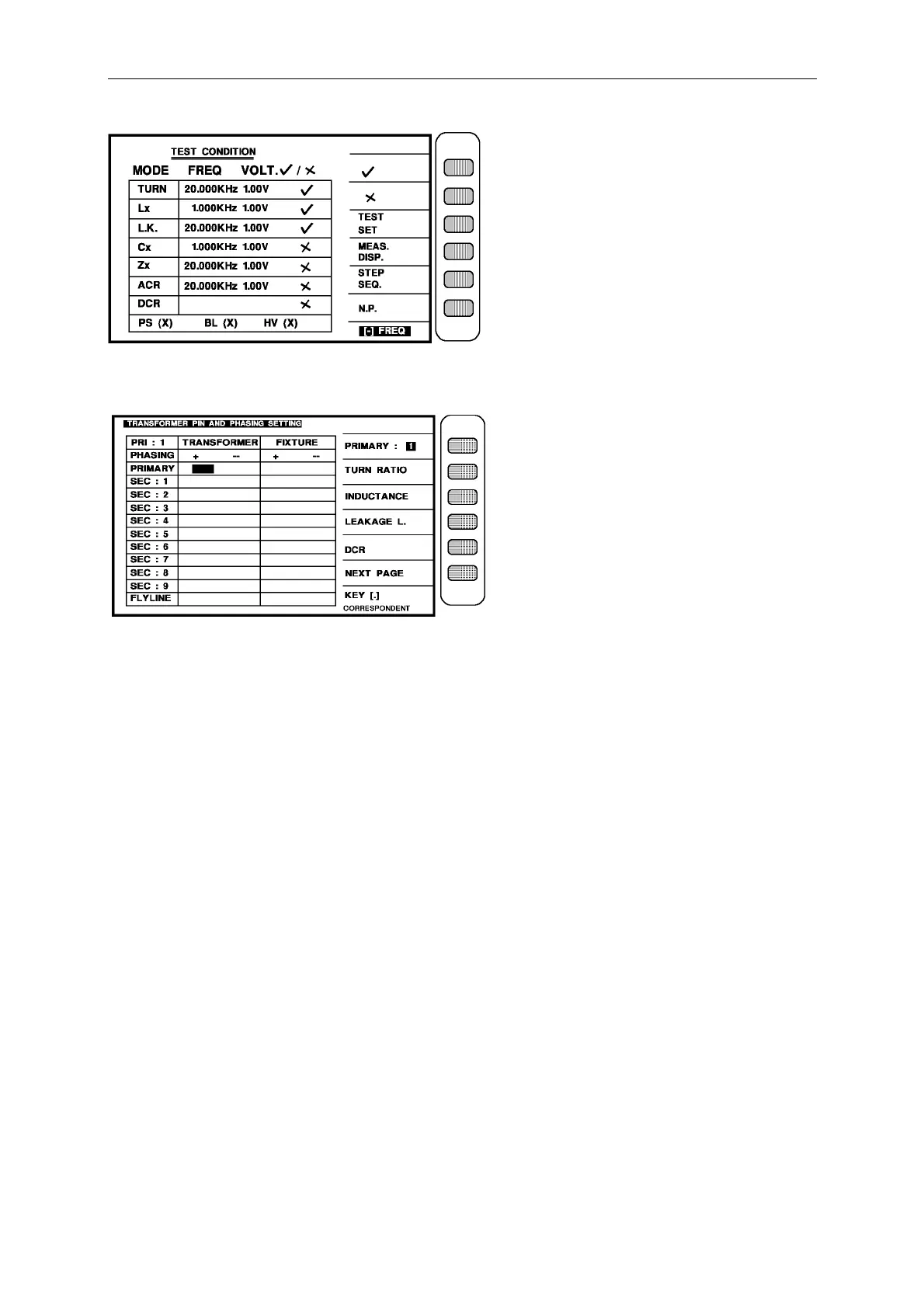
Then press [Enter] to enter next setting screen as below: (pin set)
When into this screen is entrance to the pin of transformer and test fixture setting, the same is
still guidable operation just according the block area on the screen and number keys to input
the pin number, press [Enter] then automatically change to next pin setting item. use the same
method till the last item of pin number on the same screen, press [Enter] then automatically
change to next the setting screen of parameter.
Ex: The relation of transformer windings and pin are following:
Np: 1 - 2 N1: 3 - 4 N2: 5 - 6
N3: 12 - 11 N4: 10 - 9 N5: 8 - 7
The input is following:
PRIMARY : [1] [Start] [2] [Start]
SEC.1 : [3] [Start] [4] [Start]
SEC.2 : [5] [Start] [6] [Start]
SEC.3 : [1] [2] [Start] [1] [1] [Start]
SEC.4 : [1] [0] [Start] [9] [Start]
SEC.5 : [8] [Start] [7] [Start]



 To Next Page