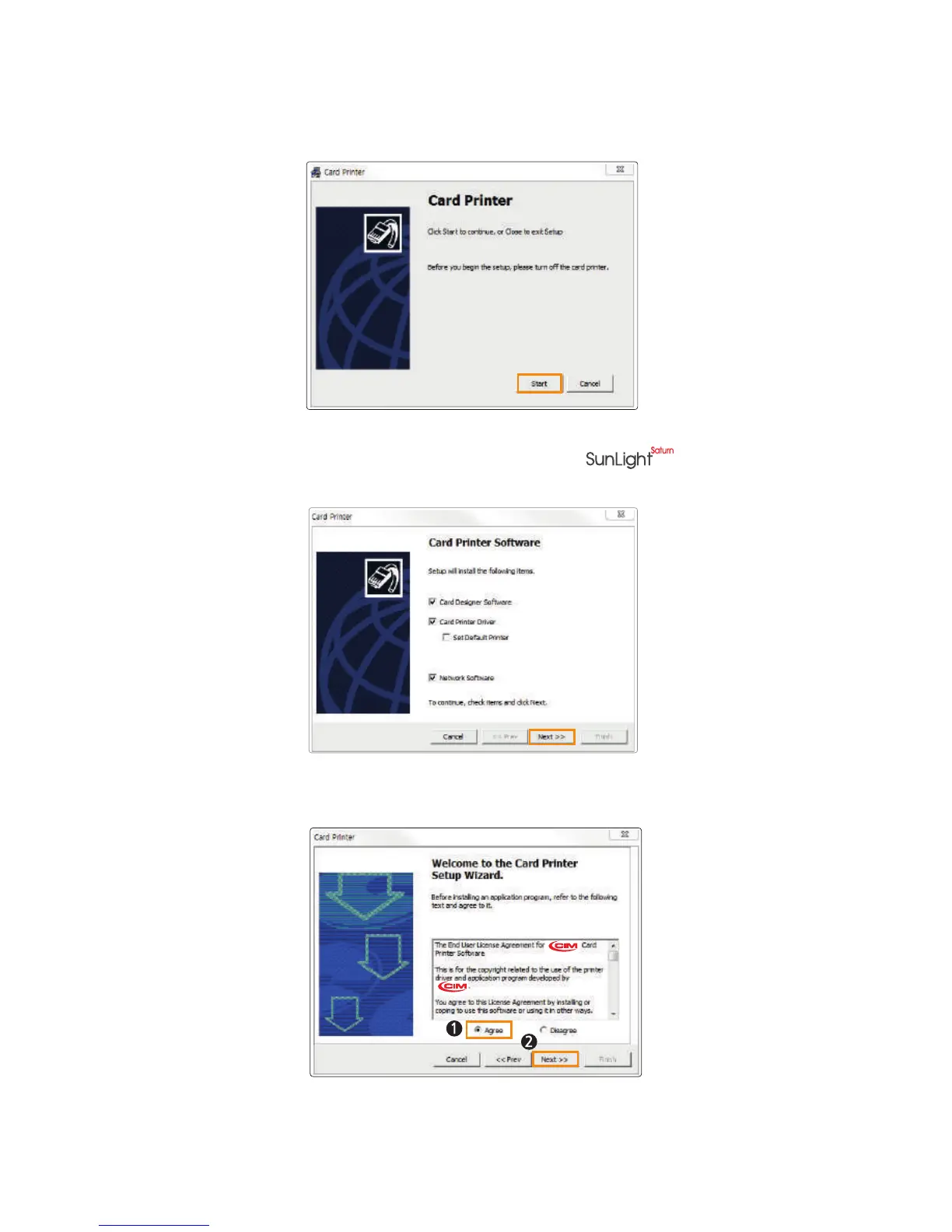
2. The initial screen of Card Printer Driver is displayed as shown in the picture.
Click “Start” to install the program.
3. Select the Printer Driver & Network Driver options to install and click
“Next” to proceed.(Connect a LAN cable to the series-NX0 with
Ethernet option and select “Network Software”.)
4. Read the Terms of Software and check “ Agree”. Then, click “Next” to proceed.
5. Click "Finish" to complete the installation process. Finish.
36
Install printer and ready



 To Next Page