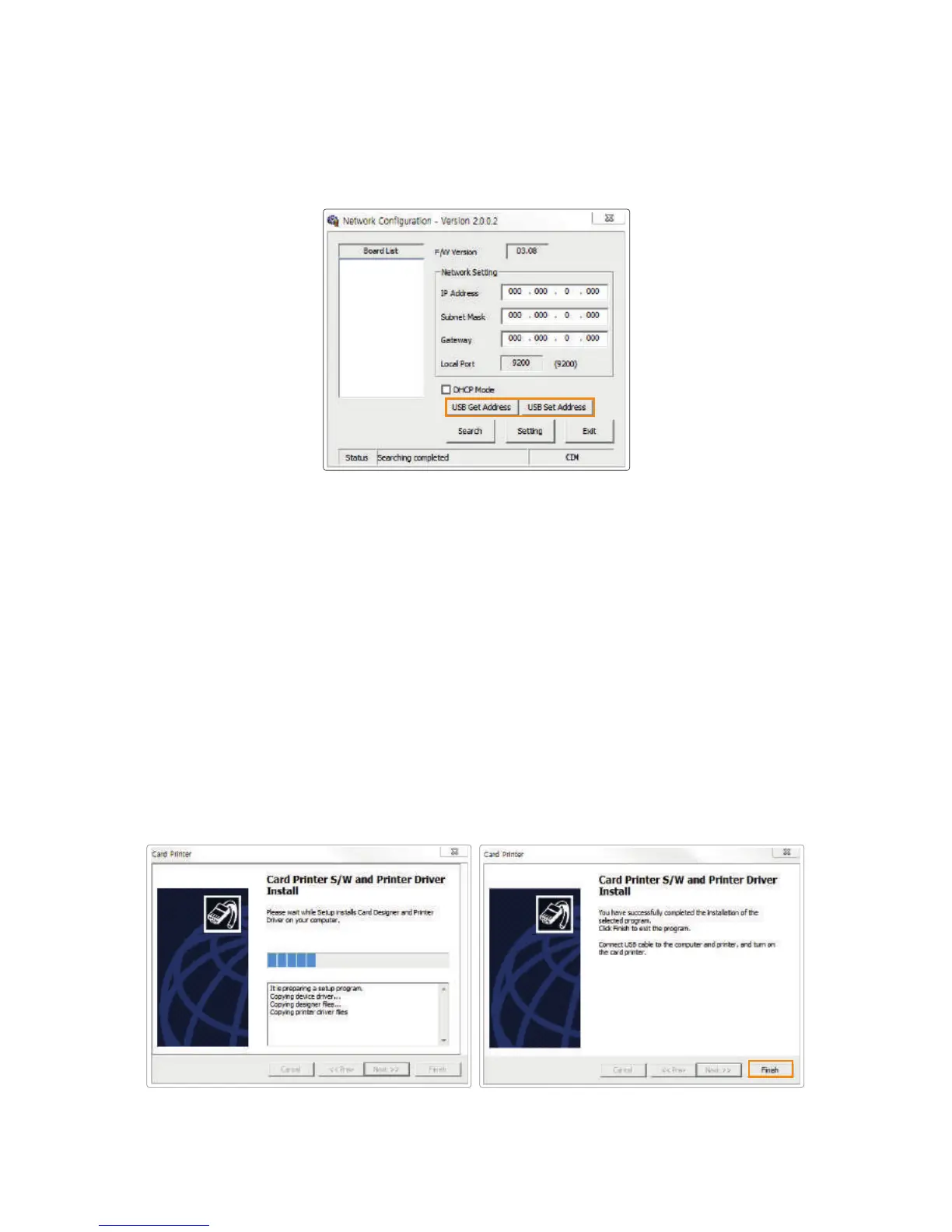
6. Click “Finish” to complete the installation process.
5-3. Manual Installation (Connect to the printer using a USB connection)
(1) Retrieve Address via USB
Connect the printer to a PC using USB connection and click "USB Get
Address" to check the device's IP Address, Subnet Mask, Gateway and MAC
address.
(2) Set Address via USB
Check the values retrieved through "Retrieve Address via USB".
Enter the IP Address, Subnet Mask, and Gateway, and click "Retrieve
Address via USB"
If the printer is not automatically detected, connect to the printer using a USB
connection and configure the network settings.
39
CIM User Guide Manual



 To Next Page