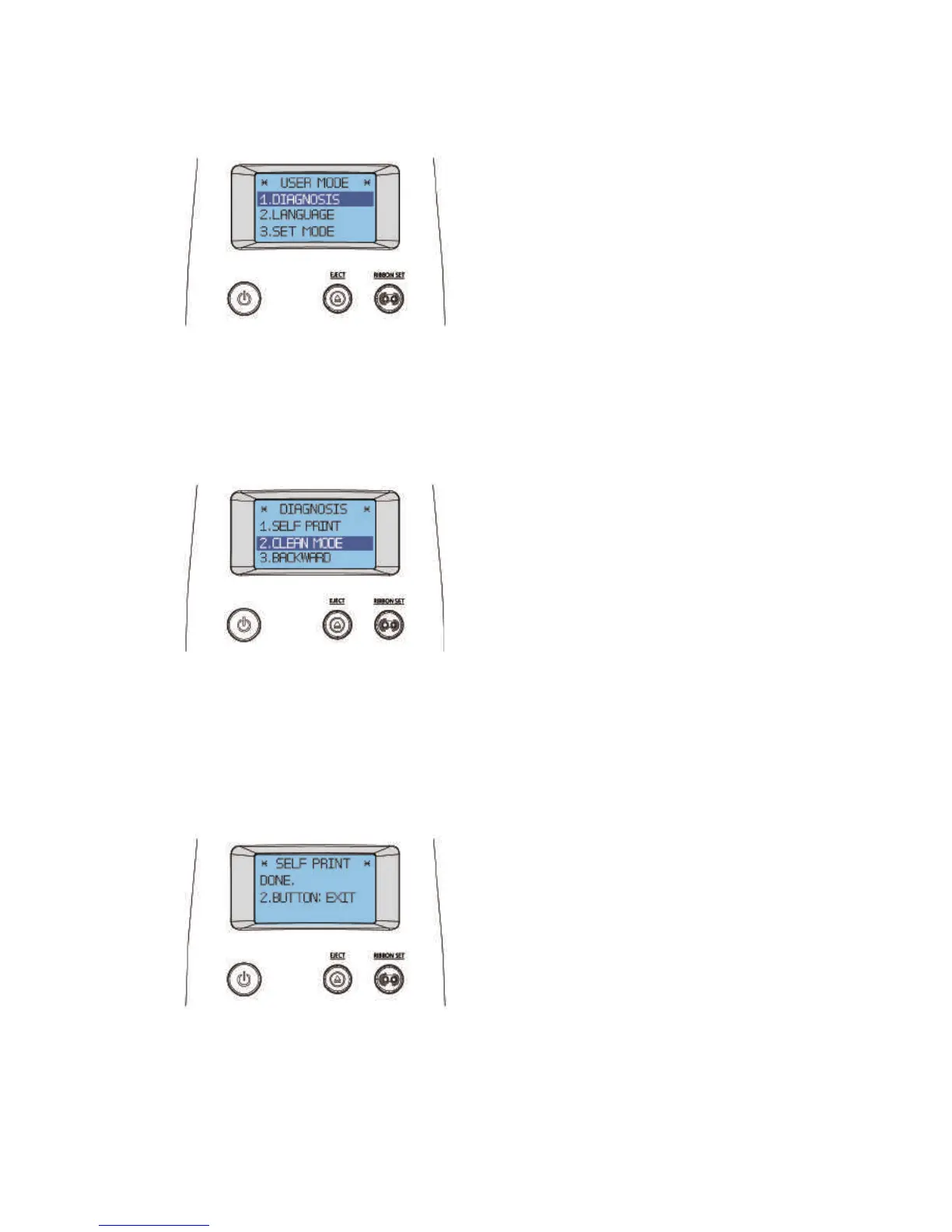
5. Hold down the “RIBBON SET” button in the “USER MODE” to go
into “1. DIAGNOSIS”.
6. When the LCD display indicates "1. DIAGNOSIS", press the "RIBBON
SET" button to go into "2. CLEAN MODE".
CLEANING
DIAGNOSIS
7. Hold down the “RIBBON SET” button until cleaning starts. The cleaning
card will be ejected after it moves back and forth 10 times.
USER MODE
70
Install printer and ready



 To Next Page