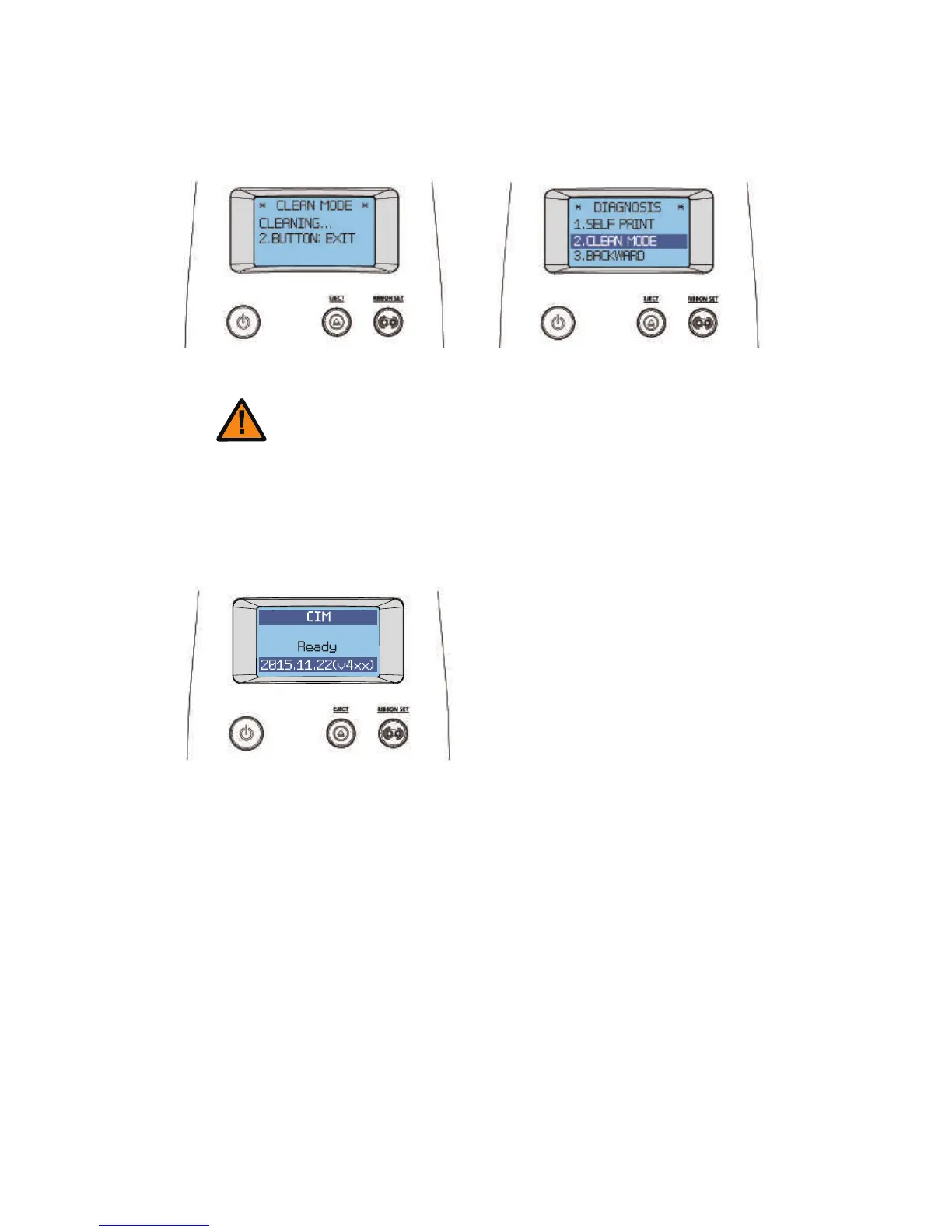
8. When the LCD display indicates “CLEAN COMPLETE”, remove the
cleaning card. Then, press both the “EJECT” and “RIBBON SET” buttons
to go back to the “DIAGNOSIS” menu.
USER MODE DIAGNOSIS
9. Hold down the "EJECT" button to go into Stand-by Mode.
STAND-BY MODE
Do not use the printer for 2-3 minutes
until the alcohol solution is fully dried.
Caution
71
CIM User Guide Manual



 To Next Page