WS2H and WS3 Manual Page 15
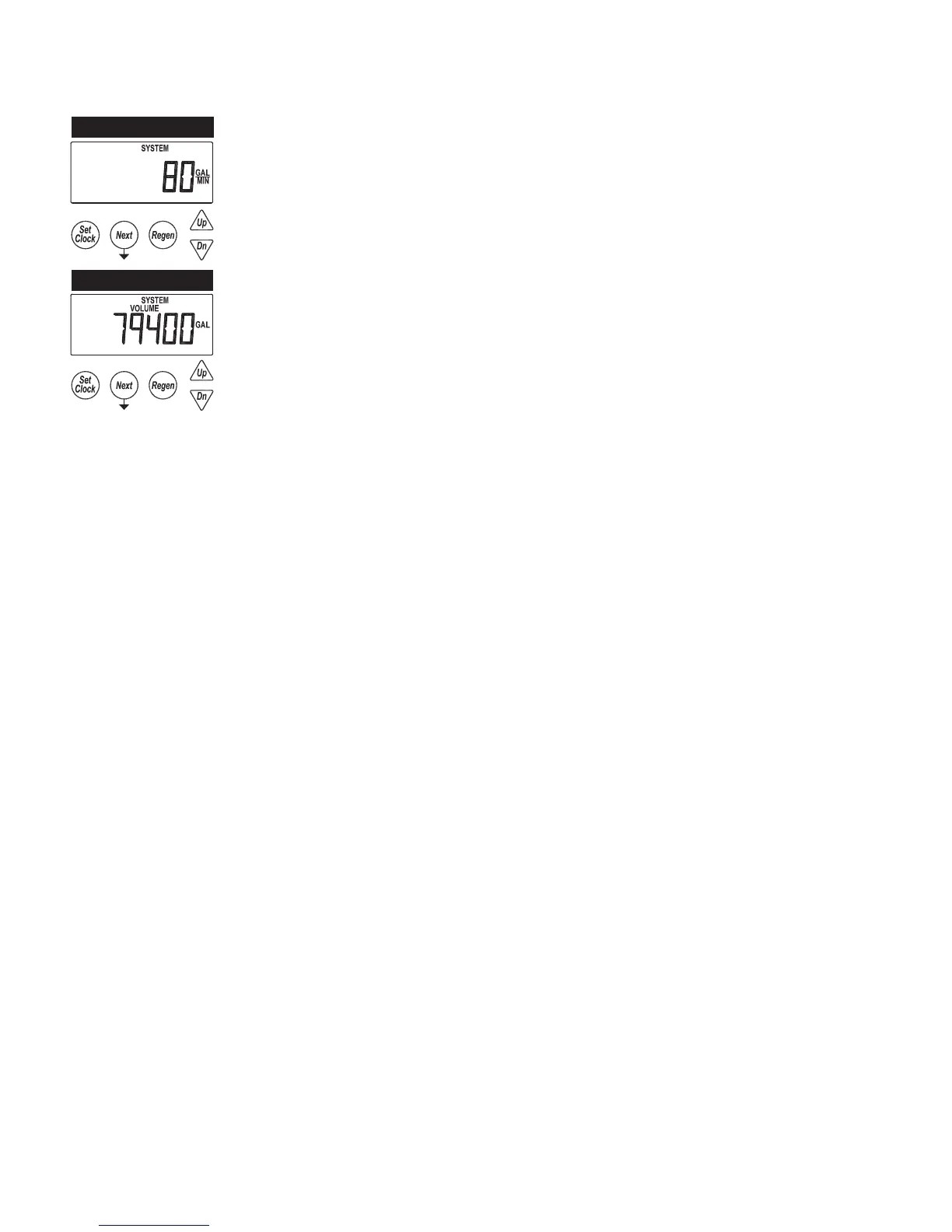
USER 6
USER 7
USER 6 – Flow Rate, System
• Displays the current combined ow rate of all the units in the system
• This screen does not display on single tank units, or systems with volumetric capacity turned
off
USER 7 – Volume Totalizer, System
• Displays the total volume of the system since install / reset
• Re-settable to zero, while in this screen, by holding the “Set Clock” & “Regen” buttons
• This screen does not display on single tank units
USER 1
TYPICAL USER SCREENS (CONTINUED)



 To Next Page