Chapter 3: To use easyMail
26 Distress functions (only SAILOR 6150)
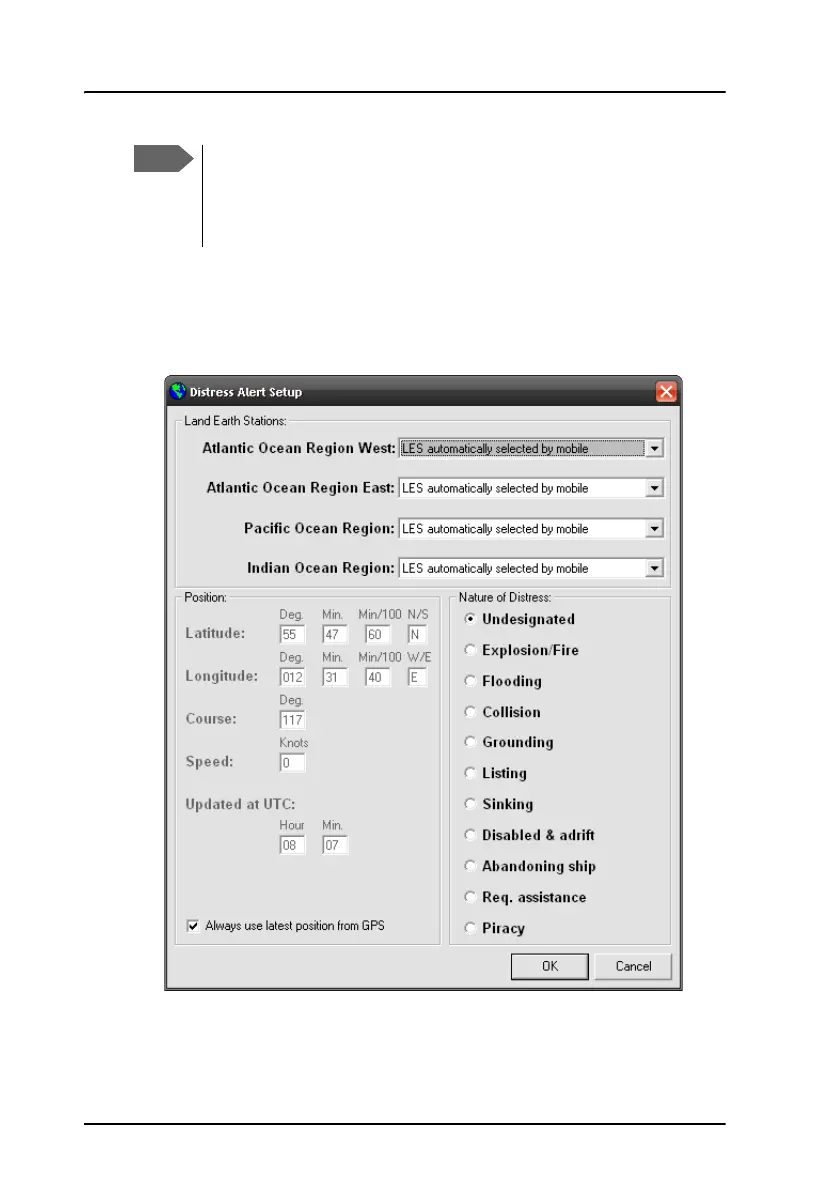
To change the Distress alert settings, do as follows:
1. From the menu bar, select Distress > Distress alert setup.
2. Click OK after reading the warning popup window.
3. From the drop-down list at each ocean region, select the LES to be used
for Distress alerts or leave the setting at LES automatically selected
by mobile (default setting).
The Distress Alert Nature and the Distress Alert Position, Course
and Speed settings are only valid for the current Distress Alert or
maximum one hour. Then these settings are returned to the
default settings. The entered Distress LESes remain in the system.









 To Next Page