Chapter 3: To use easyMail
28 Distress functions (only SAILOR 6150)
Test Distress buttons
You can test the Distress button(s) in your system without sending a real
Distress alert. Do as follows:
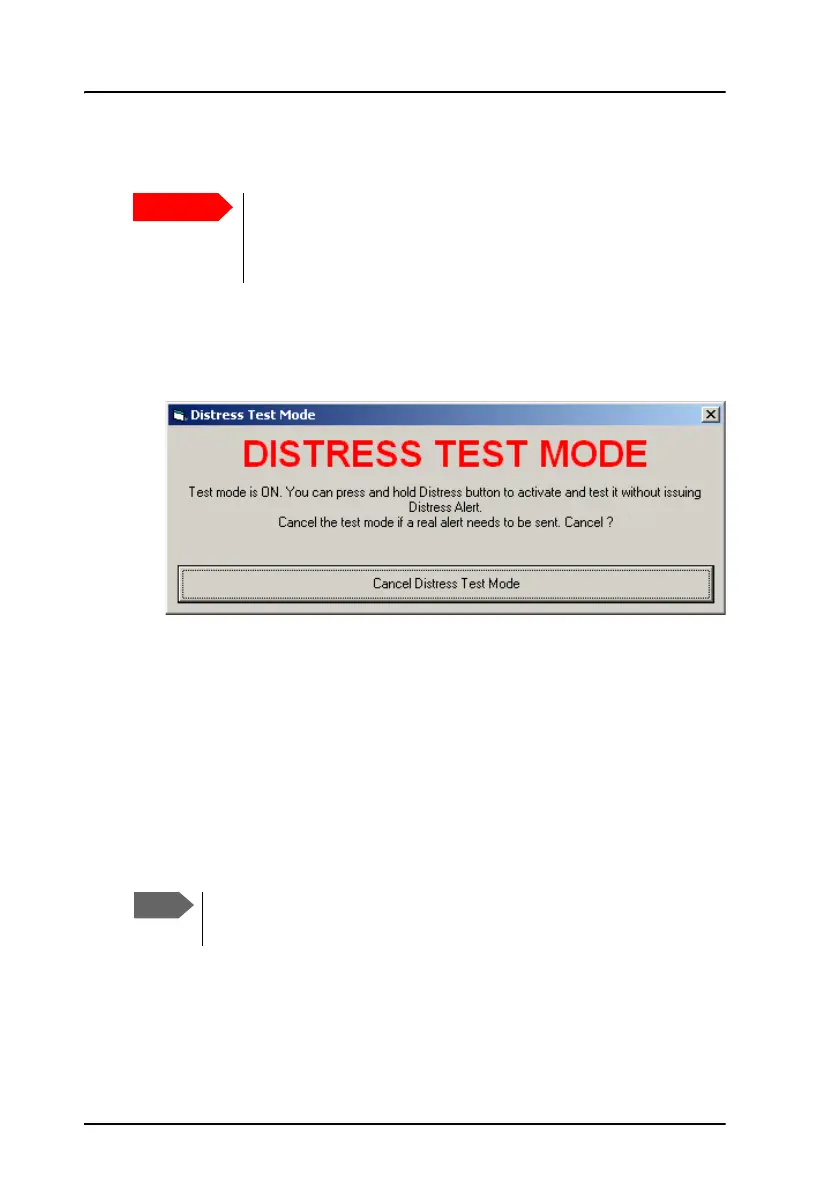
1. Select Distress > Distress test mode.
2. When you see the Distress test mode window shown above, press the
connected Distress button(s) as you would in a real Distress situation.
The light and buzzer in the Distress buttons should work the same way
as in a real Distress situation. For details on the Distress buttons, see To
send a Distress Alert (SAILOR 6150 only) on page 65.
3. To clear alarm indications, select Distress > Reset alarms/latest
Distress info.
The button light should go off.
4. Click Cancel to exit Distress test mode.
Never test the installation by sending an alert on-air!
If an alert is sent by mistake, inform the relevant authorities
immediately.
The system automatically exits the test mode after 15 minutes, if
you do not Cancel it.









 To Next Page