Chapter 3: To use easyMail
Work with messages 31
3333
Write a routine priority message
To write a routine priority message, do as follows:
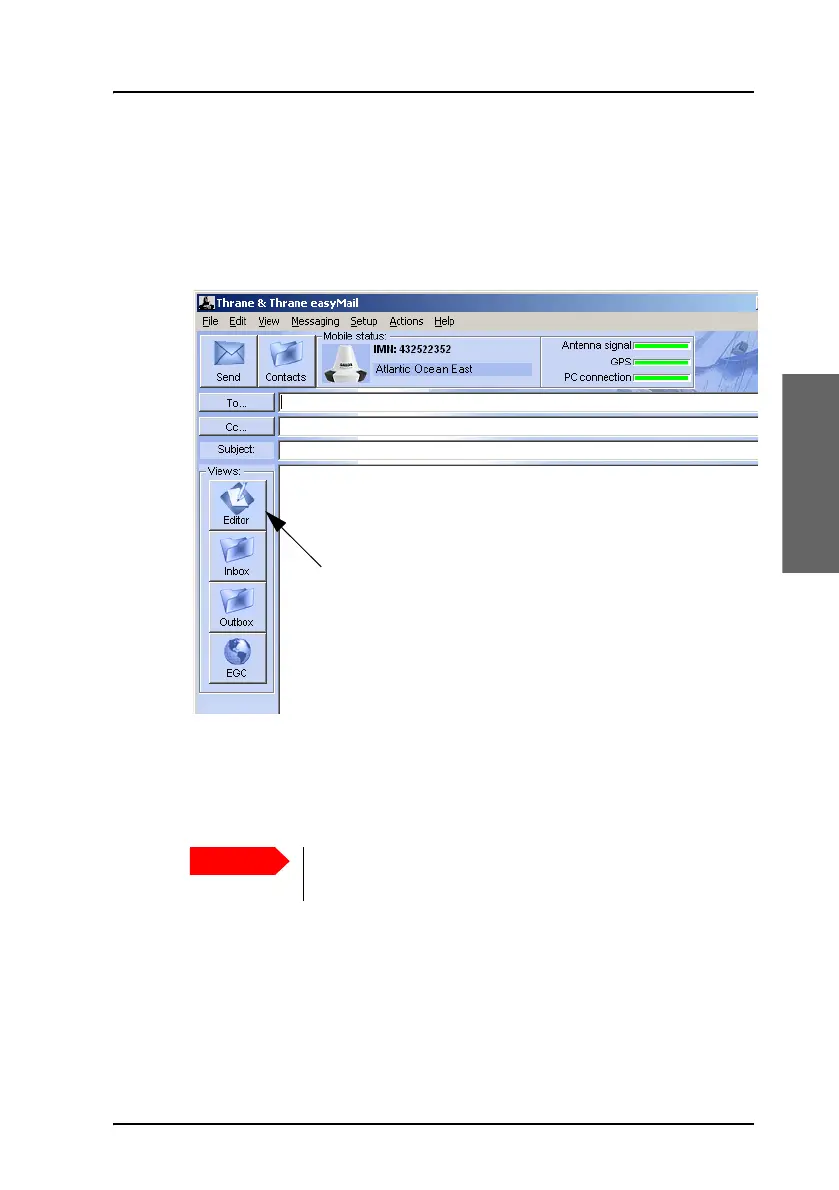
1. If the editor is not already open, select File > New or click the Editor
button to the left (if present).
2. Select To... in the top left corner and select the recipient(s) of the
message from the Address book.
Alternatively you may type in the recipient manually.
3. In the Subject field, type in a subject title for your message.
4. If you want to send a data file instead of typing text in the text editor,
skip the next step and go directly to step 6.
5. Type your message text in the editor.
For information on how to edit text, see Edit your message on page 33.
The Subject field is important - some messages may not
be received correctly if the subject is missing.









 To Next Page