Chapter 3: To use easyMail
32 Work with messages
6. When the message is ready to be sent, click Send.
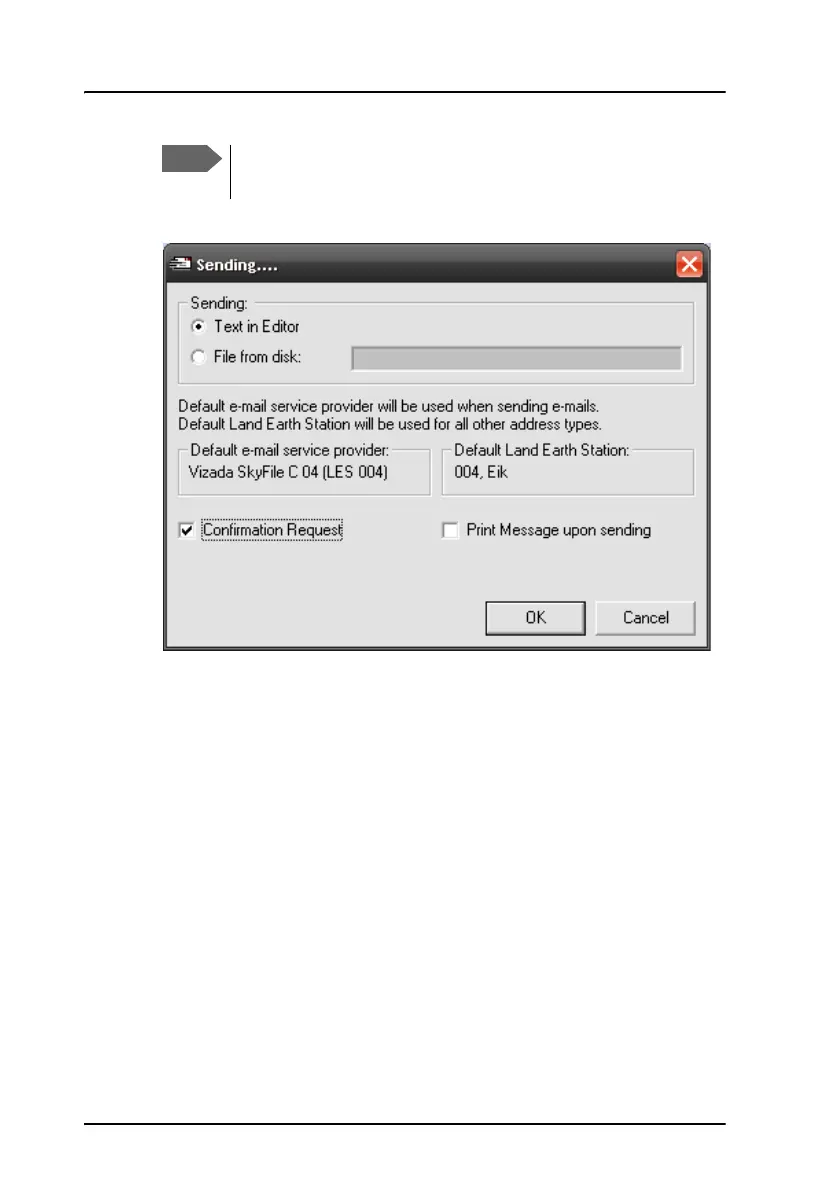
7. Select what you want to send.
• If you want to send a data file, select File from disk, browse to the
file you want to send and click Open.
• If you want to send the text in the editor, select Text in editor.
8. Select if you want:
• Confirmation request
• Print message upon sending
9. Select OK.
The message is sent as soon as the network allows it. You can see the
status of your message under View > Outbox.
If you want to save your message without sending it, you can
save it as a file by selecting File > Save.









 To Next Page