Chapter 3: To use easyMail
34 Work with messages
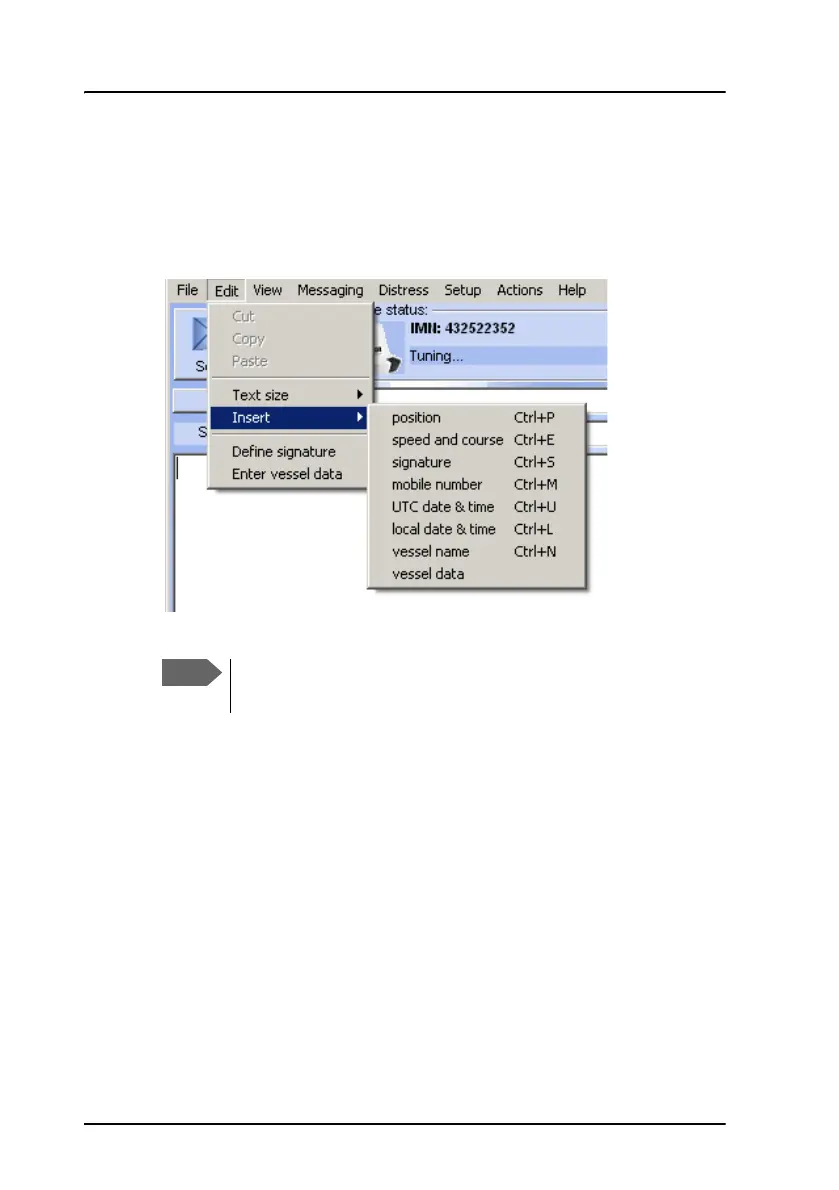
To insert information automatically
To insert information such as position and vessel data in your message, do
as follows:
1. Select Edit > Insert.
2. Select the information you want to insert.
The information is now inserted in your message as part of the message
text.
Signature and vessel data must first be defined. See the next
section.









 To Next Page