Chapter 3: To use easyMail
Work with messages 35
3333
To enter signature and vessel data
You can enter a signature and your vessel data for later automatic insertion
in your messages (see previous section). To define your signature, do as
follows:
1. Select Edit > Define signature.
2. Type in your signature and click OK.
The signature is now saved for later use with Edit > Insert.
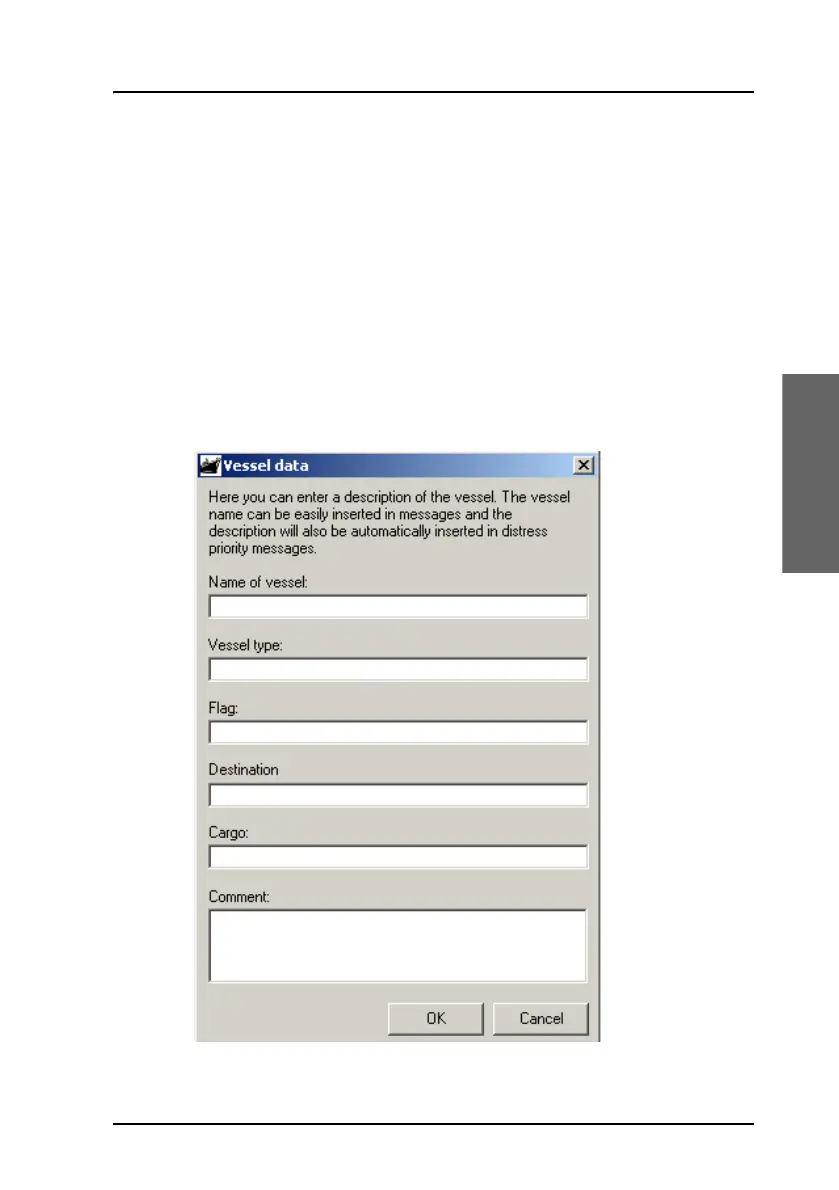
To enter your vessel data, do as follows:
1. Select Edit > Enter vessel data.
2. Fill in the vessel data for your ship and click OK.









 To Next Page