Chapter 3: To use easyMail
Work with messages 39
3333
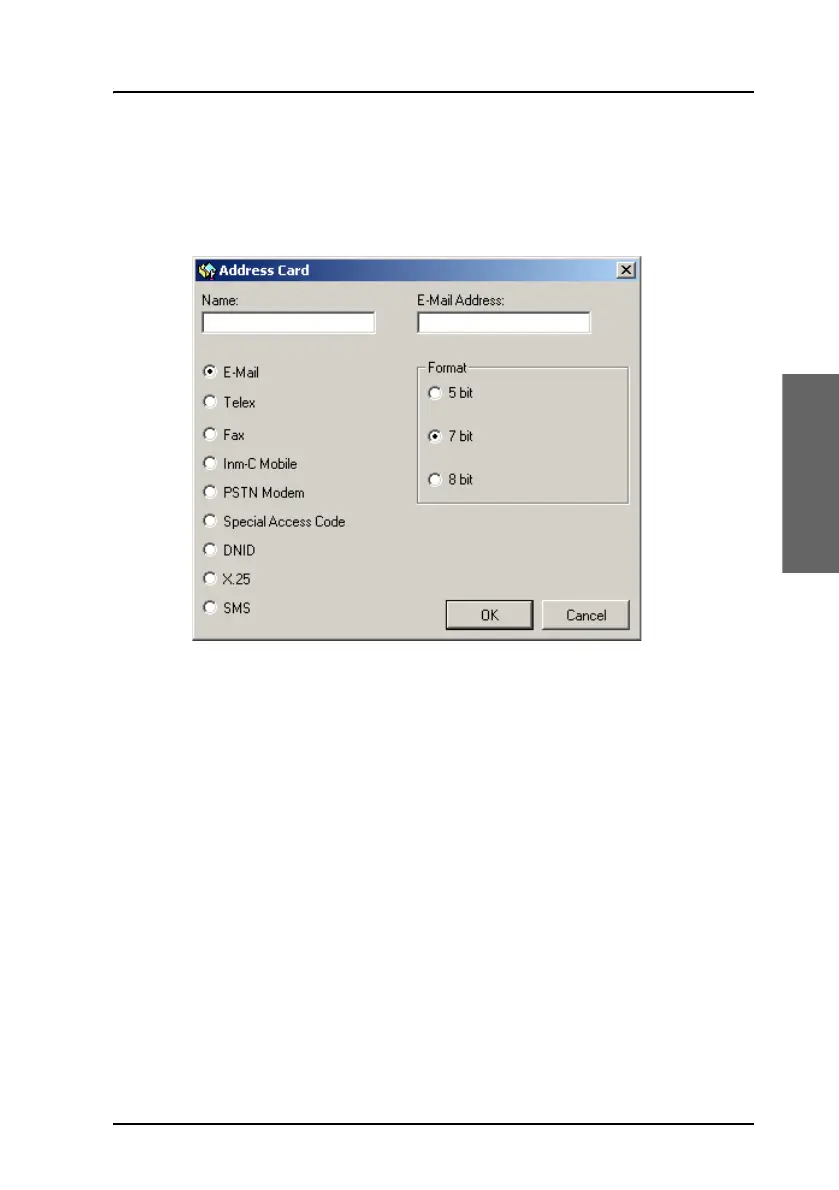
To add a new contact
Do as follows:
1. In the Address book, select New at the bottom of the page.
2. Type in the name of your contact.
3. Select the address type below the name.
4. Type in the details for your contact. The format of the address/number
depends on the selected address type. See the table on the next page.
5. Select OK.
The new contact is now listed in the Address book.









 To Next Page