Chapter 3: To use easyMail
38 Work with messages
View sent messages (Outbox)
After writing a message and selecting Send, you can see the message and
the status of the message in the Outbox. To view messages in the Outbox,
select View > Outbox.
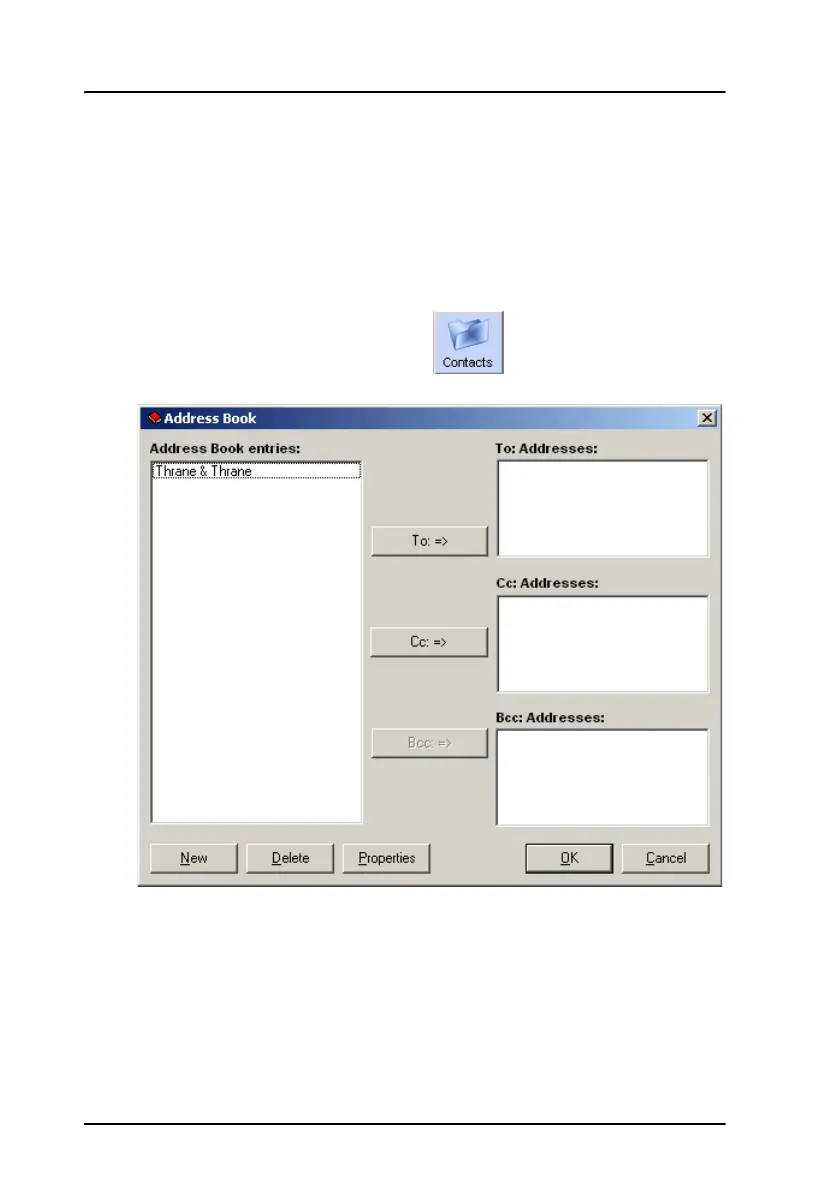
Manage the list of Contacts
To manage your list of contacts, click or select Messaging >
Contacts/Address book.
To see details for a contact, select it and click Properties.









 To Next Page