Chapter 3: To use easyMail
Work with messages 37
3333
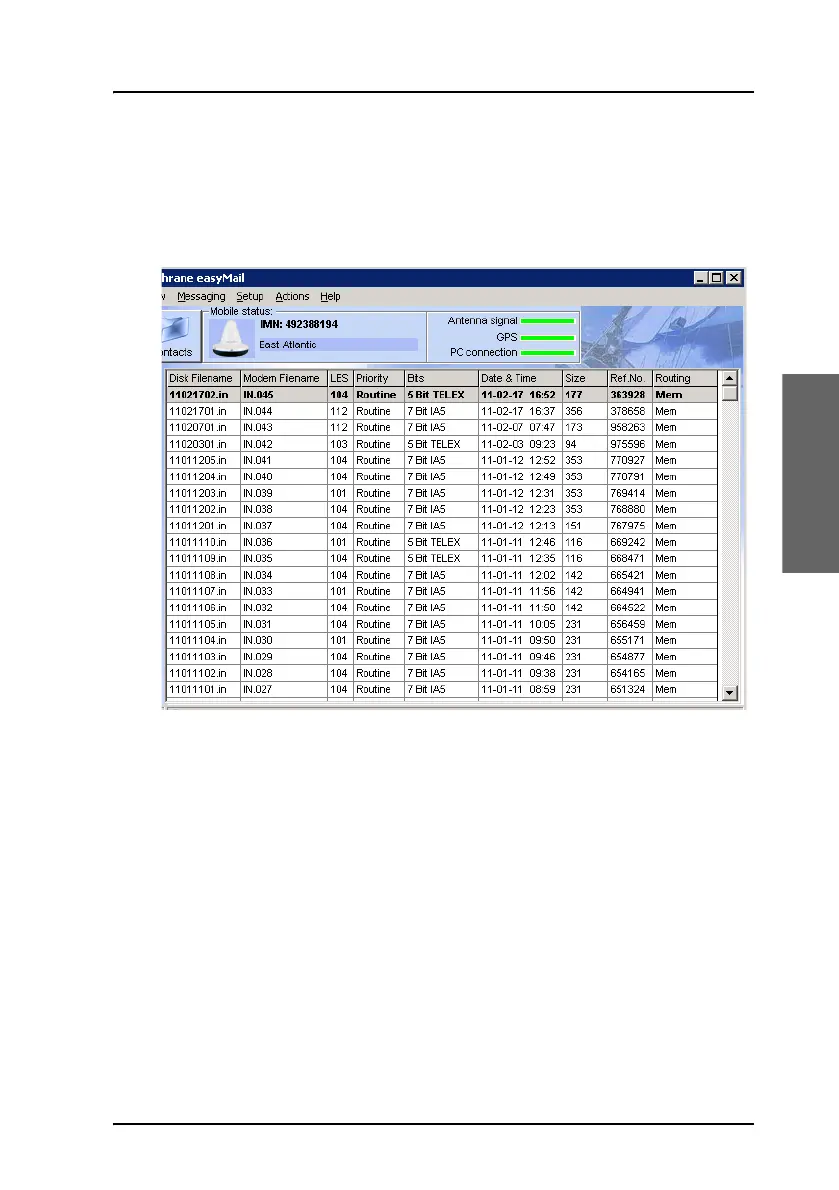
View messages in the Inbox
To view the messages in the Inbox, do as follows:
1. Select View > Inbox.
2. Double-click the message you want to read.
From within the message you have the following options:
• Print. The message is printed on the connected printer.
• Save. You can browse to a location and save the message (.txt file)
• Forward. The message text is inserted into the editor so you can
forward it to a new recipient.
• Wrap text. When selected, the text is wrapped to fit the window
size.
3. Click OK or Cancel to close the message.
4. To delete one or more messages, right-click the message(s) and select
Delete message)









 To Next Page