Chapter 4: To use Distress and SSA buttons
68 To send a Distress Alert (SAILOR 6150 only)
The below table shows the behavior of the Distress button on the SAILOR
6018.
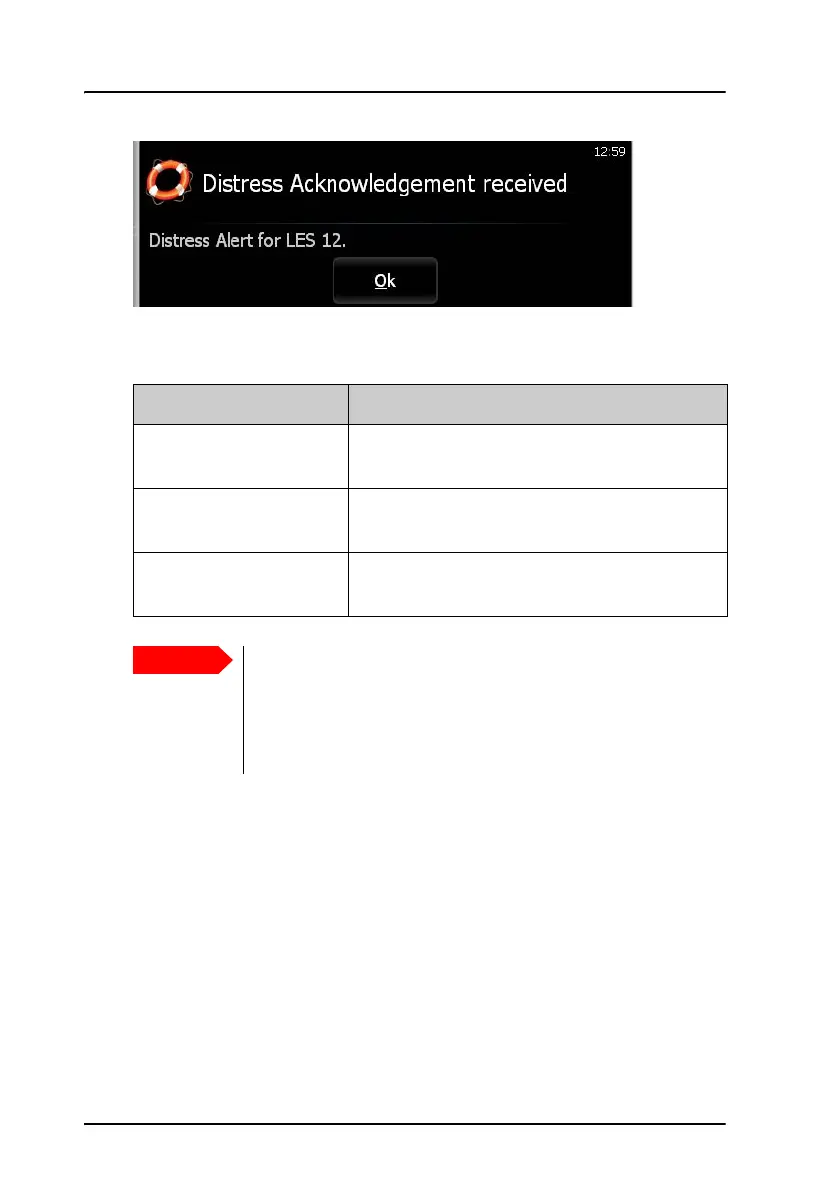
The LES used for the Distress Alert is shown in the Distress popup windows.
An example is shown in the previous page.
For information on how to send a Distress message or changing the Distress
alert settings, see SAILOR 6110 mini-C GMDSS, User manual [2].
The MRCC may also send Distress EGCs to other ships in the area to request
assistance (typically as Distress Relay or SAR Coordination request).
Behavior Meaning
Button light flashes,
buzzer sounds
The Distress button is pushed. Hold until light
and sound changes (more than 3 seconds).
Button light constant,
buzzer is silent
The Distress Alert is being sent
(normally within 10 to 30 seconds)
Button light shortly off
every 15 seconds
The Distress Alert is confirmed
The MRCC normally sends a message to the alerting unit to
gather more information about the situation.
If at all possible, respond to such messages with a Distress
message sent to the same LES that was used for the Distress
Alert.









 To Next Page