1. Ensure the PC is connected to the network.
2. Ensure the unit is powered on and connected to the same network.
3. In WMP, add to the media library the audio files and folders you want to share with
the unit (Library > Add to Library…).
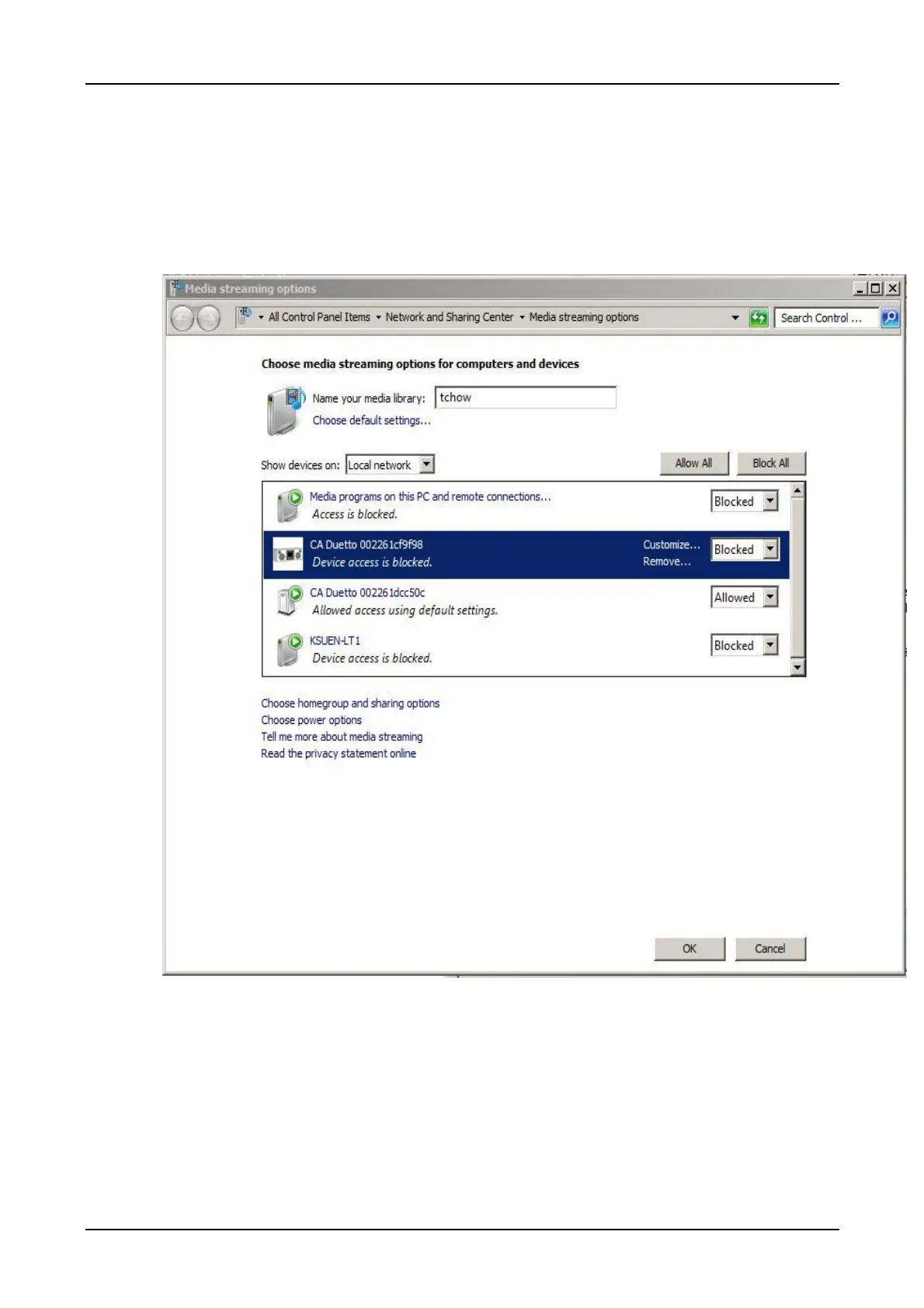
4. In WMP, enable media sharing (Library > Media sharing…).
Make sure the unit has access to the shared media by selecting it and clicking Allow. You can also
set a name for the shared media in Settings… Click OK to close the dialogue boxes.



 To Next Page