49
CONVAID USER’S GUIDE
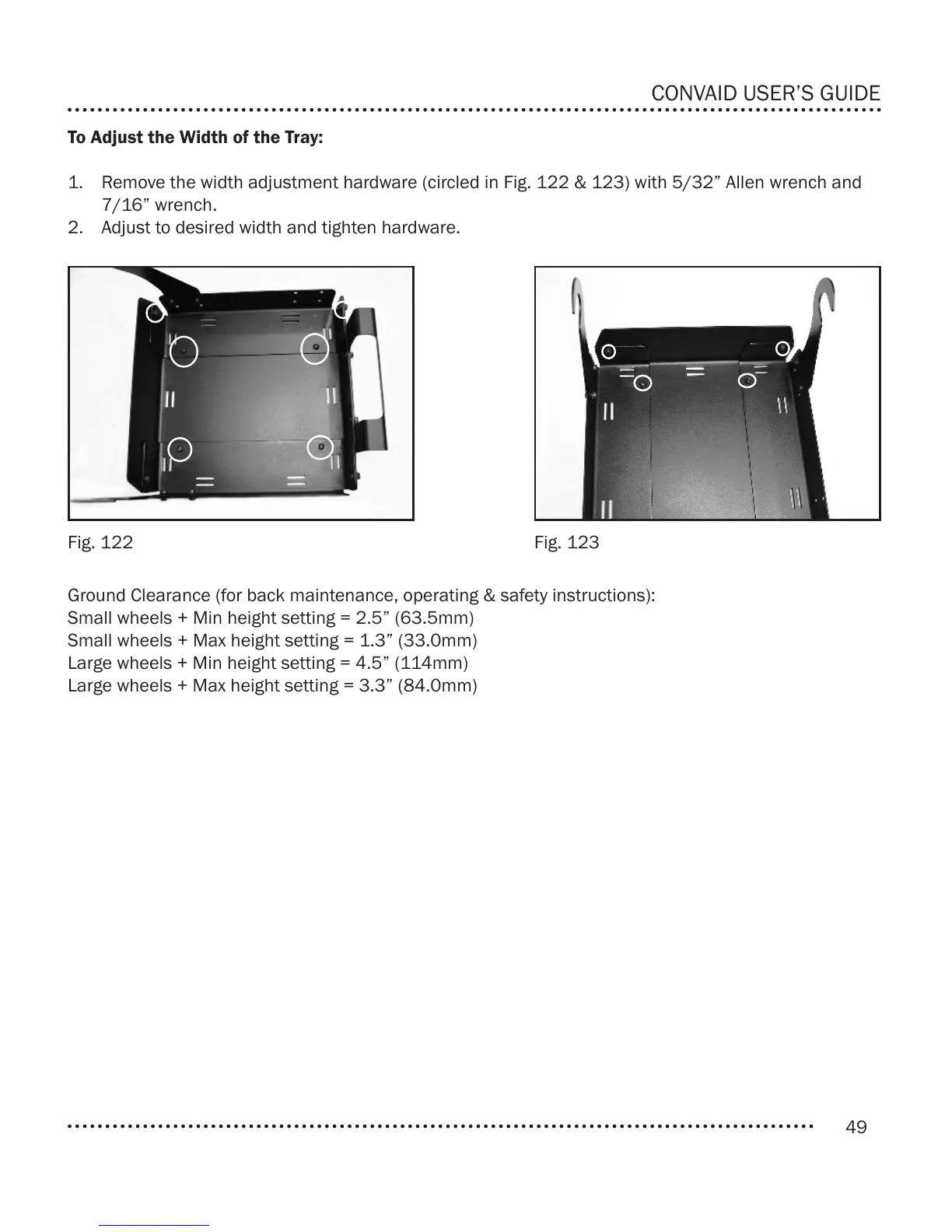
To Adjust the Width of the Tray:
1. Remove the width adjustment hardware (circled in Fig. 122 & 123) with 5/32” Allen wrench and
7/16” wrench.
2. Adjust to desired width and tighten hardware.
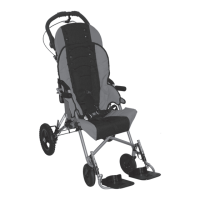
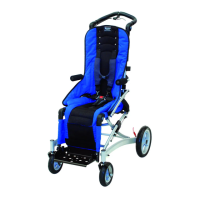
Ground Clearance (for back maintenance, operating & safety instructions):
Small wheels + Min height setting = 2.5” (63.5mm)
Small wheels + Max height setting = 1.3” (33.0mm)
Large wheels + Min height setting = 4.5” (114mm)
Large wheels + Max height setting = 3.3” (84.0mm)
Fig. 122 Fig. 123


 To Next Page