Product Manual – DOC. 8432A Crestron Pyng OS 2 for CP4-R • 115
Reset to Factory Defaults
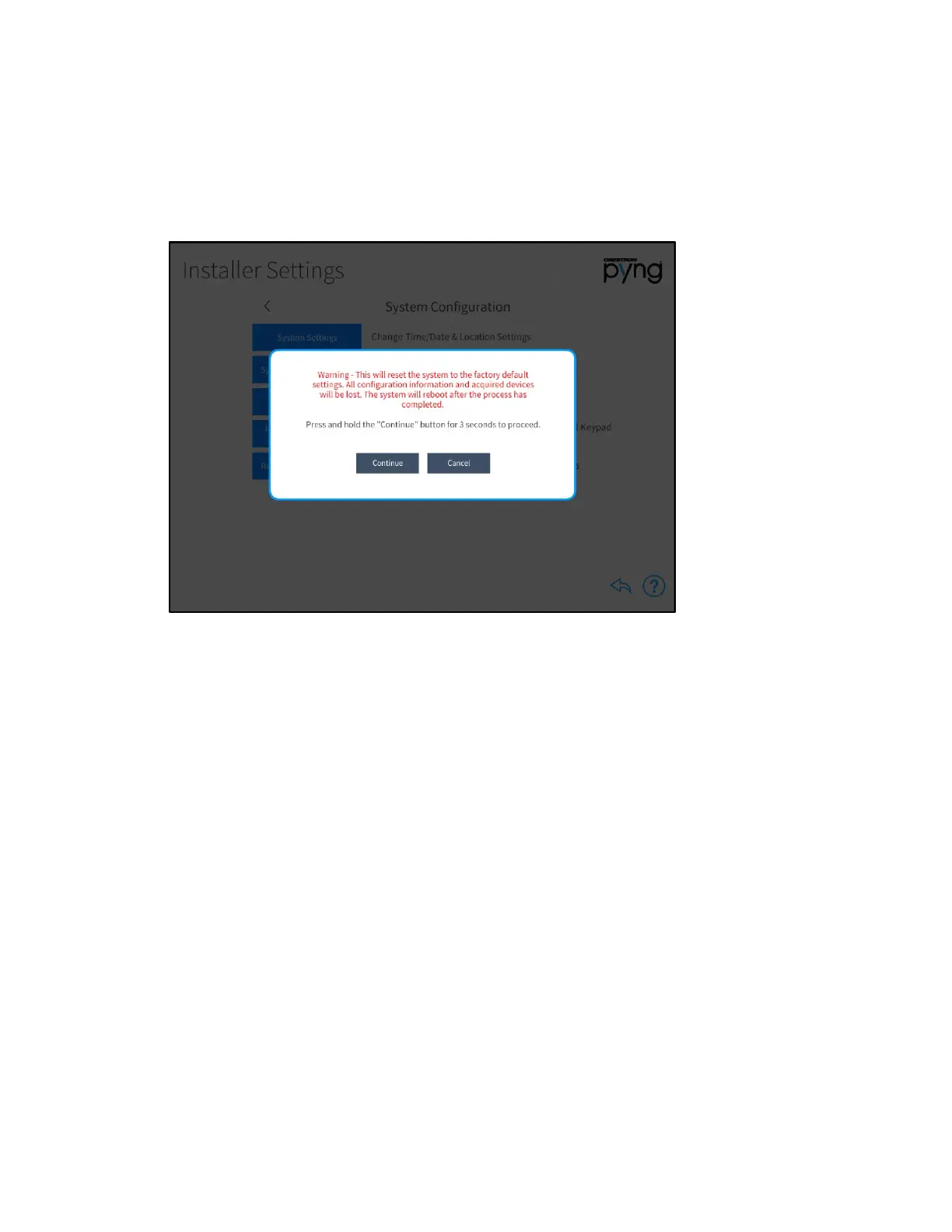
Tap Reset to Factory Defaults on the Installer Settings screen to display a dialog box
used to restore the CP4-R to its factory default settings.
Installer Settings Screen - Reset to Factory Defaults
The dialog box contains a warning stating that all configured settings and devices are
lost following a factory restore, and provides instructions for restoring the CP4-R.
To restore the CP4-R, press and hold the Continue button for three seconds. The device
reboots after the restore process completes.
Tap Cancel to cancel the factory restore and to return to the Installer Settings - System
Configuration screen.



 To Next Page
 Loading...






