Product Manual – DOC. 8432A Crestron Pyng OS 2 for CP4-R • 169
Select a Media Source
To select a media source:
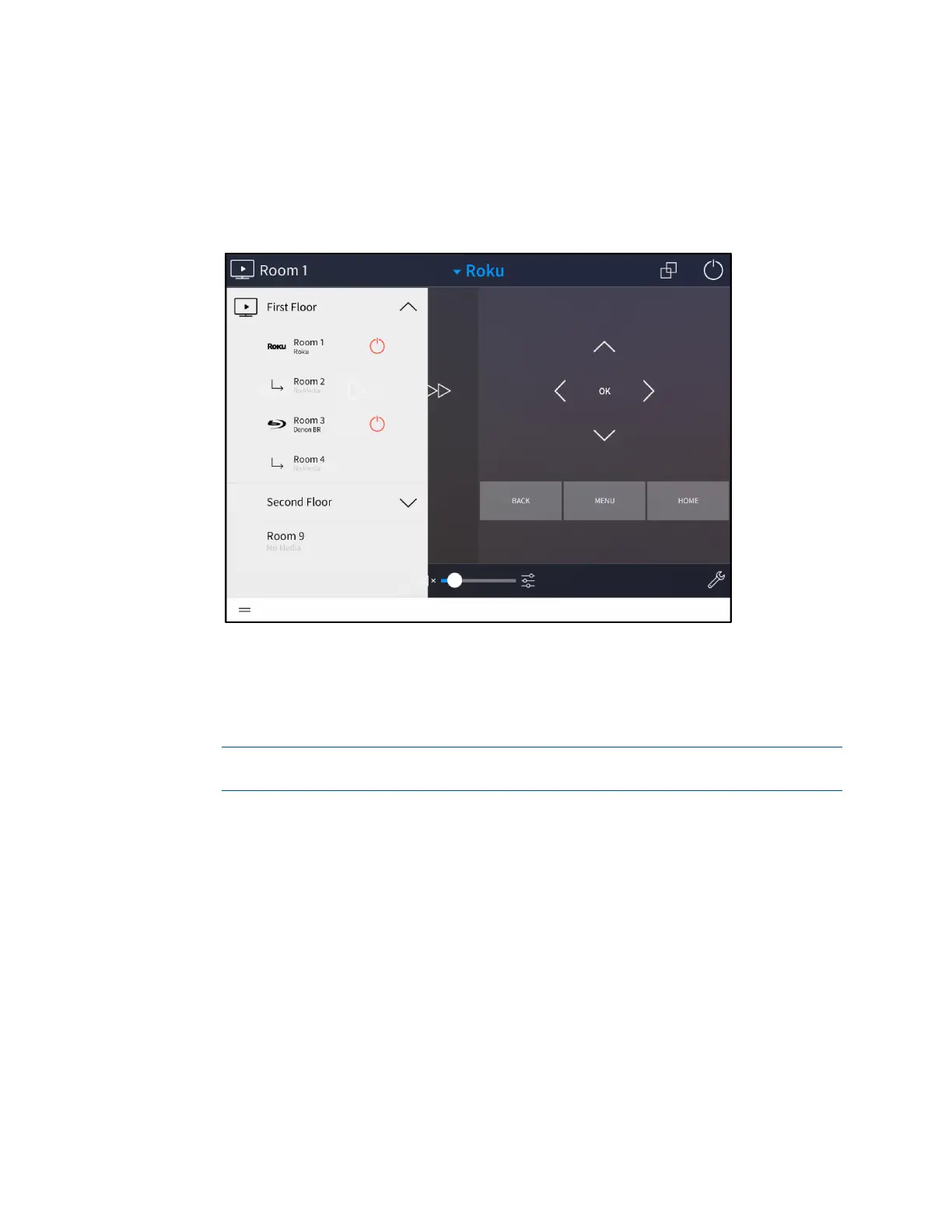
1. Select a room from the drop-down menu on the top left of the screen.
Room 1 - Room Selection Menu
If a media device is powered on in a room, the device name is displayed
underneath the room name, and a red power icon appears to the right of the
room name.
2. Select the source by tapping its respective button on the screen.
NOTE: Tap Select a Source to display the available sources in list format. Then,
select the source from the list.
Once a source has been selected, a screen with device controls is displayed. The screen
for a Samsung® Blu-ray Disc® player device is shown on the following page as an
example.



 To Next Page