Product Manual – DOC. 8432A Crestron Pyng OS 2 for CP4-R • 129
Privacy Controls
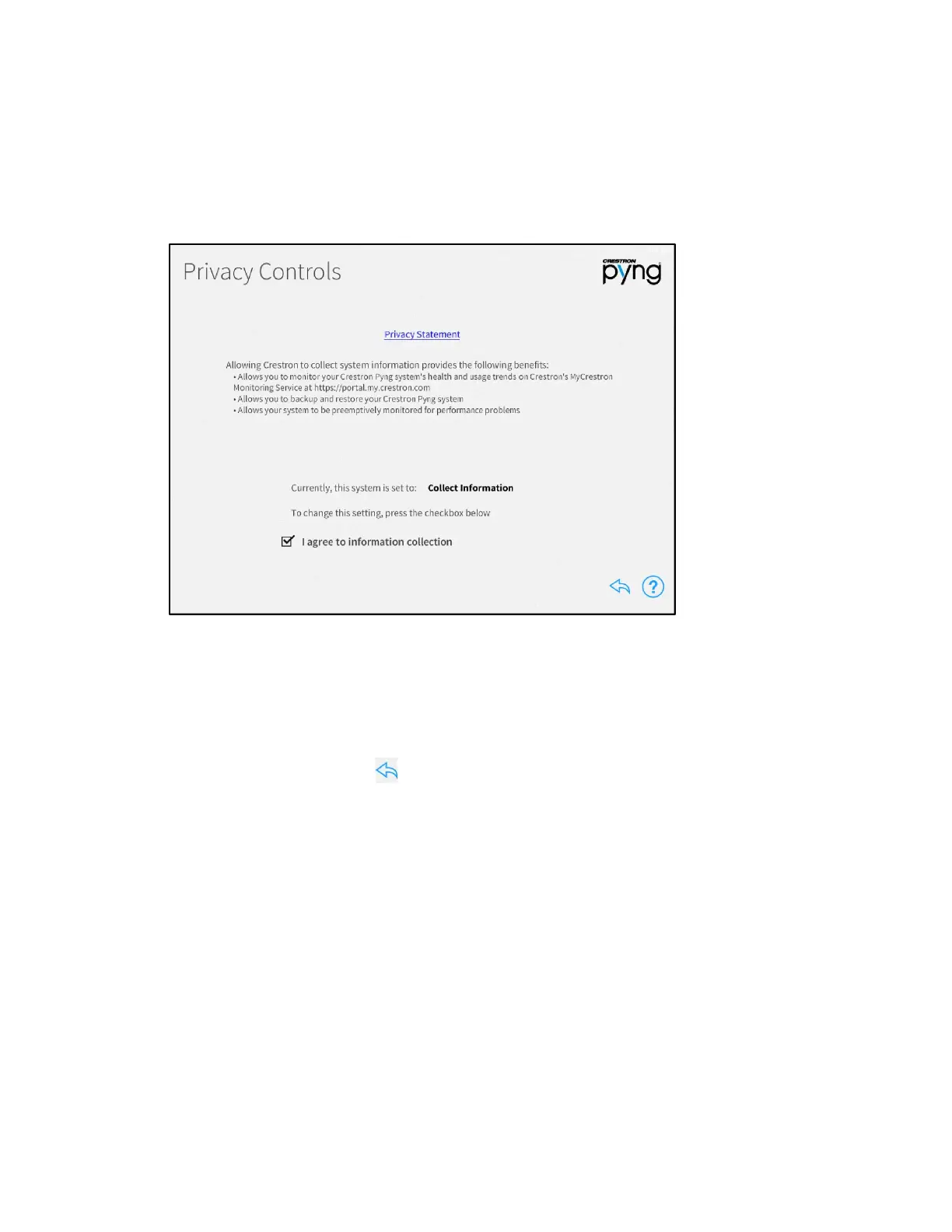
Tap Privacy Controls on the Installer Settings screen to display the Privacy Controls
screen.
Privacy Controls Screen
Use the Privacy Controls screen to view a privacy statement regarding the collection of
system data and to view and configure privacy controls.
Tap the check box next to I agree to information collection to enable or disable allowing
Crestron to collect information about the Crestron Pyng system. (A checked box
indicates that Crestron will collect information from the system.)
Tap the back arrow button to return to the Installer Settings screen.


 To Next Page
 Loading...






