Product Manual – DOC. 8432A Crestron Pyng OS 2 for CP4-R • 121
System Control Options
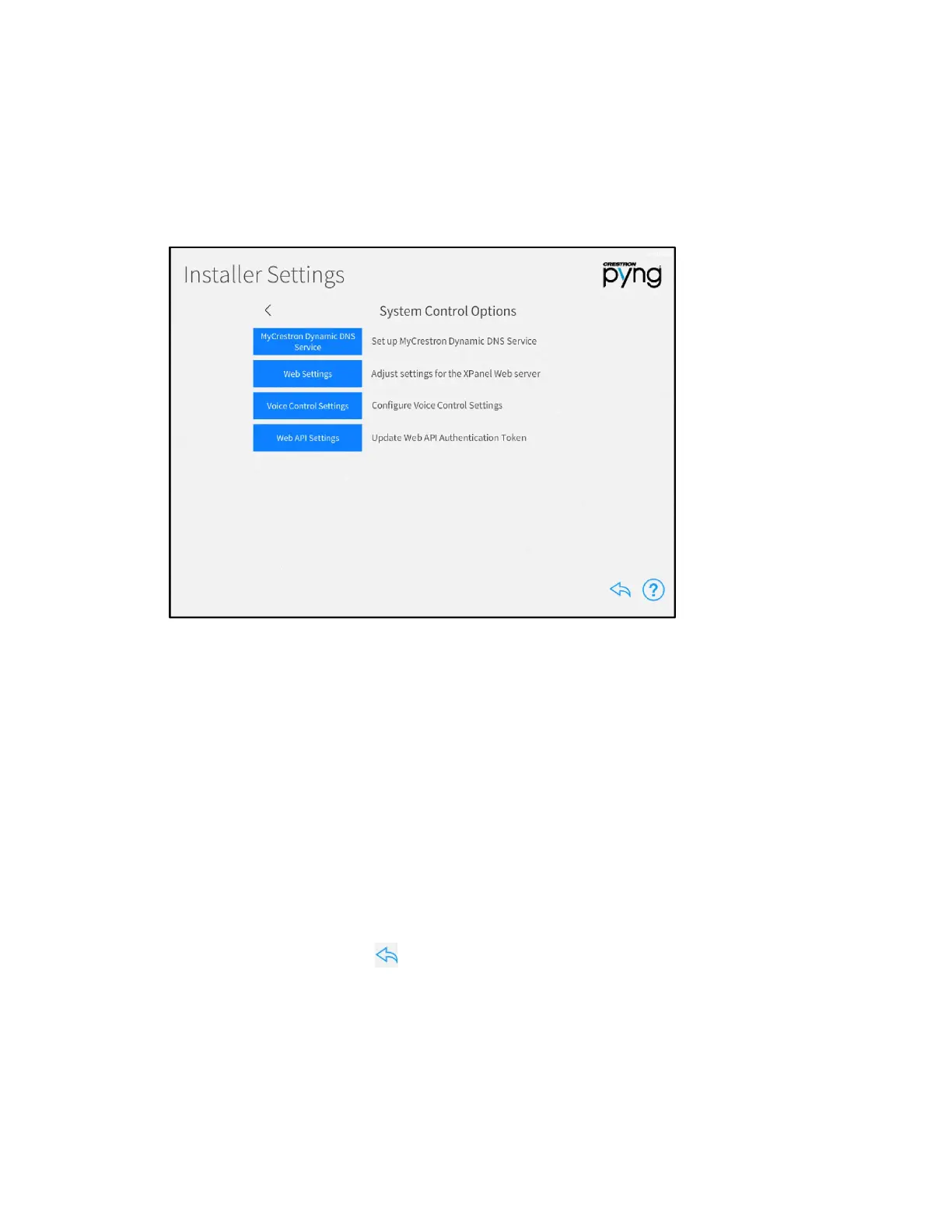
Tap System Control Options on the Installer Settings screen to display the
Installer Settings - System Control Options screen.
Installer Settings - System Control Options Screen
Use the Installer Settings - System Control Options screen to configure various options
for system control:
• Tap MyCrestron Dynamic DNS Service to register the Crestron Pyng system
with a MyCrestron domain and to view the current MyCrestron registration
status.
• Tap Web Settings to adjust settings for the web XPanel interface.
• Tap Voice Control Settings to associate the Crestron Pyng system with a
supported voice control service provider.
• Tap Web API Settings to update the web API authentication token for the
Crestron Pyng system.
Tap the back arrow (<) next to System Control Options to return to the main
Installer Settings screen.
Tap the back arrow button to return to the main Setup screen.



 To Next Page
 Loading...






