142 • Crestron Pyng OS 2 for CP4-R Product Manual – DOC. 8432A
Password Configuration
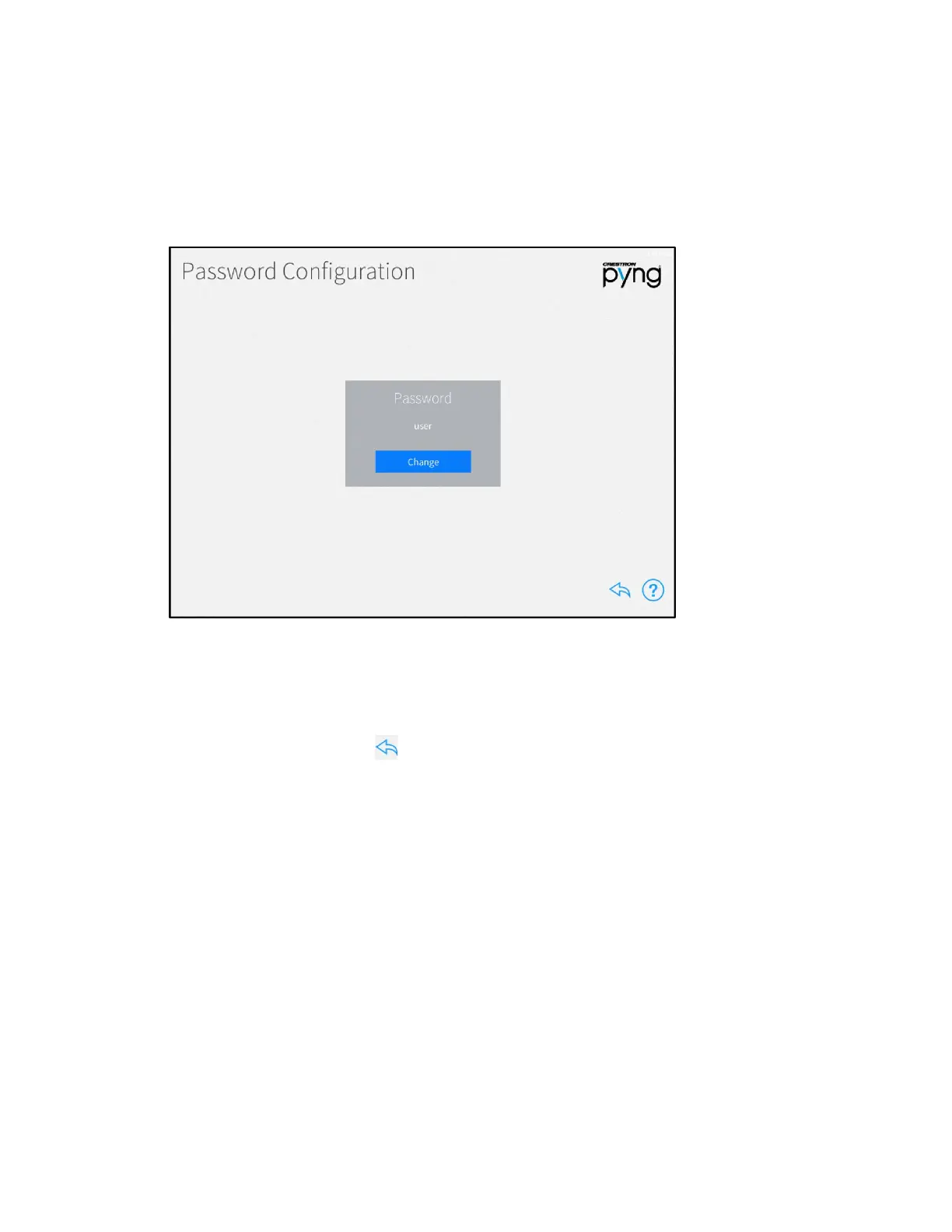
Tap System Info & Passwords on the User Settings screen to display the Password
Configuration screen.
Password Configuration Screen
Use the Password Configuration screen to change the password that is required to
access the user setup screens.
Tap Change under Password to set a new user password. Enter a new password using
the pop-up dialog box that is displayed, and then tap
OK.
Tap the back arrow button to return to the User Settings screen.



 To Next Page