Product Manual – DOC. 8432A Crestron Pyng OS 2 for CP4-R • 15
Voice Control
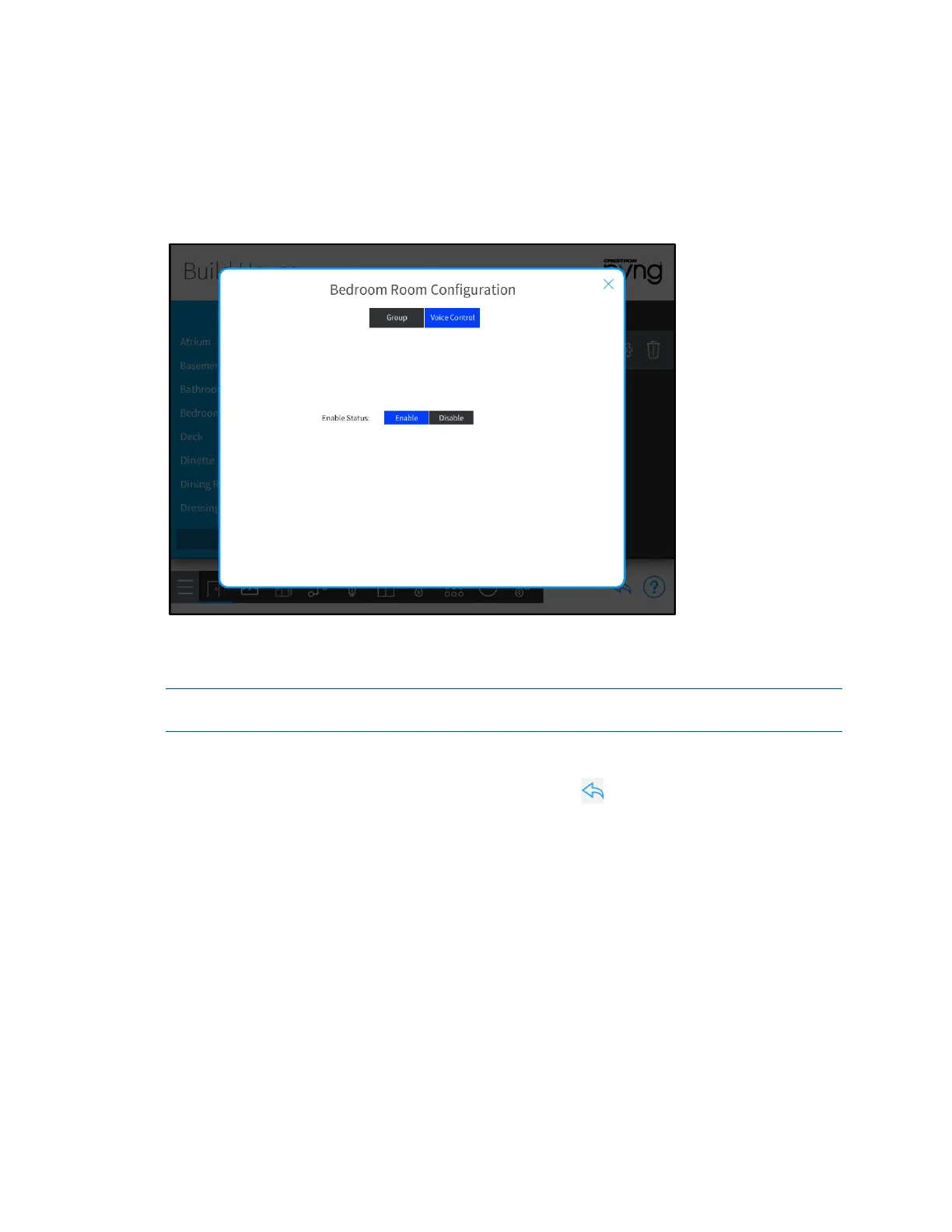
Tap the Voice Control tab to enable or disable the ability to control the room with voice
control services (if enabled for the system).
Whole House Room Configuration Dialog Box - Voice Control Tab
Tap Enable to enable voice control for the room, or tap Disable to disable voice control
for the room.
NOTE: For more information about setting up voice control on the Crestron Pyng
system, refer to "Voice Control Settings" on page 124.
Tap the x button to return to the Build House screen.
On the Build House screen, tap the back arrow button to return to the main Setup
screen.



 To Next Page
 Loading...






