248 • Crestron Pyng OS 2 for CP4-R Product Manual – DOC. 8432A
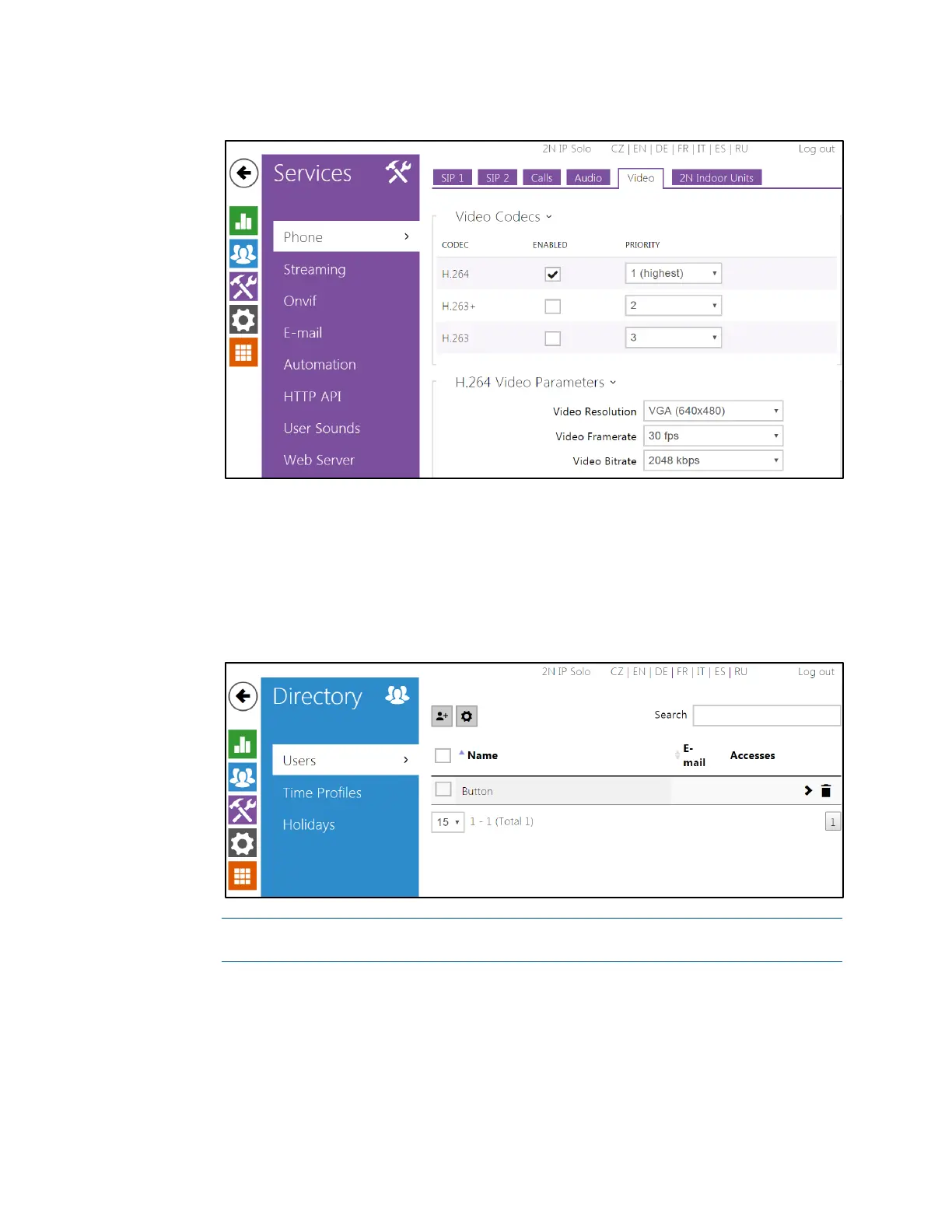
2N Configuration Utility - Phone > Video Settings
Directory Settings
1. In the web configuration utility, click the blue users icon to display the Directory
menu.
2. Navigate to Users, and click the add user button to create a new user.
2N Configuration Utility - Users Settings
NOTE: 2N devices also refer to users as "buttons," as this refers to the buttons
on the 2N door station that are used to dial specific dwellings or ring groups.
3. Enter "rava:CRESTRON" in the Phone Number text field.



 To Next Page
 Loading...






