Product Manual – DOC. 8432A Crestron Pyng OS 2 for CP4-R • 151
Operation
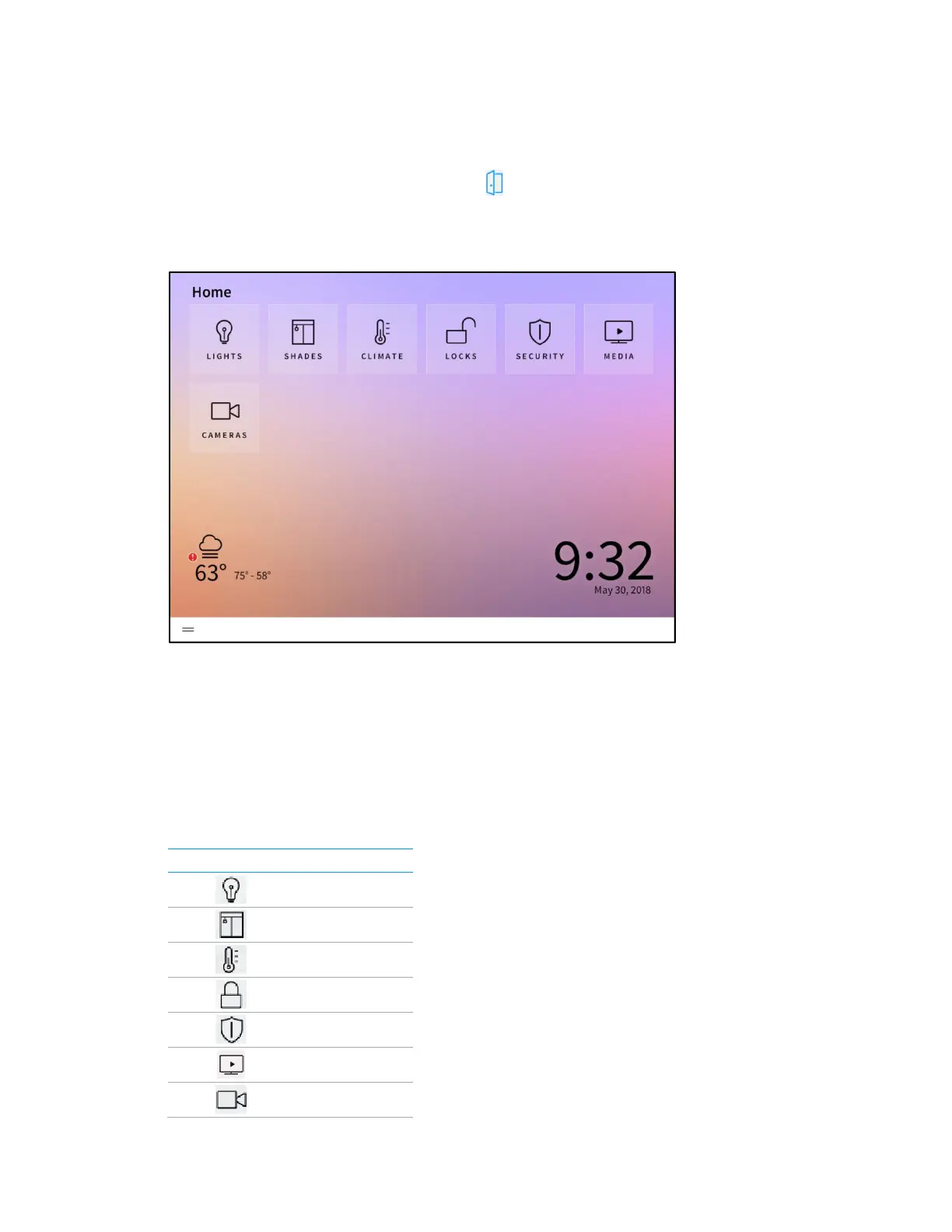
On the Setup screen, tap the door button to leave installer configuration mode and to
enter user control mode. The
Home screen is displayed.
Home Screen
The Home screen is the primary screen that the homeowner uses to access and create
scenes, to play quick actions, and to edit basic configuration settings for the Crestron
Pyng system. The
Home screen also shows the time and date, as well as a weather
widget (if enabled).
Depending on the devices and scenes that are configured for the Crestron Pyng system,
the following selections may be selected from the home screen:
Home Screen Selections
BUTTON DEVICE GROUP



 To Next Page