Product Manual – DOC. 8432A Crestron Pyng OS 2 for CP4-R • 71
Step 5: Customize & Schedule
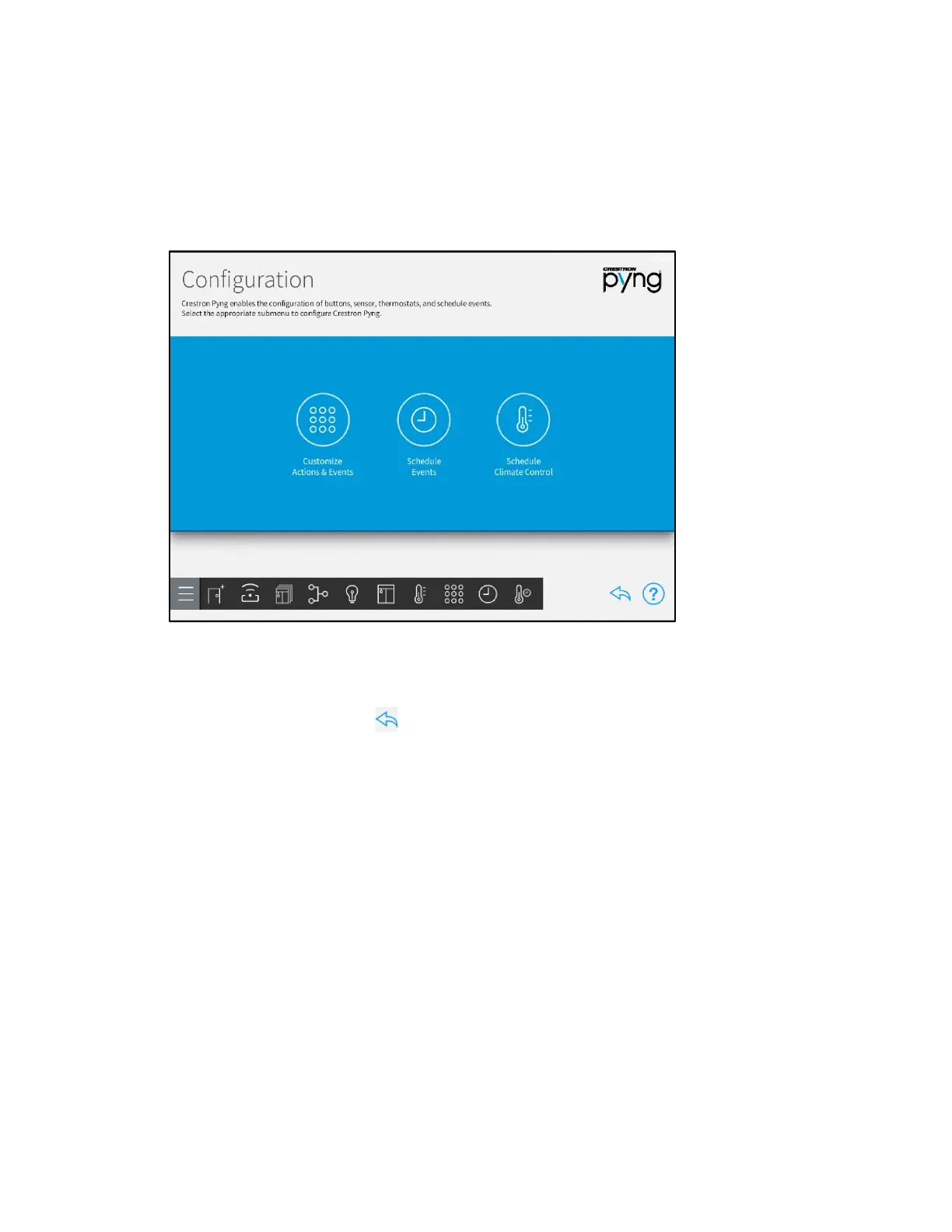
Tap the Customize & Schedule button on the Setup screen to display the Configuration
screen.
Configuration Screen
Use the Configuration screen to create and schedule system events that are triggered
when specific conditions are met, such as by pressing a button or triggering a system
event. Thermostat events may also be configured using this screen.
Tap the back arrow button to return to the main Setup screen.



 To Next Page