Product Manual – DOC. 8432A Crestron Pyng OS 2 for CP4-R • 161
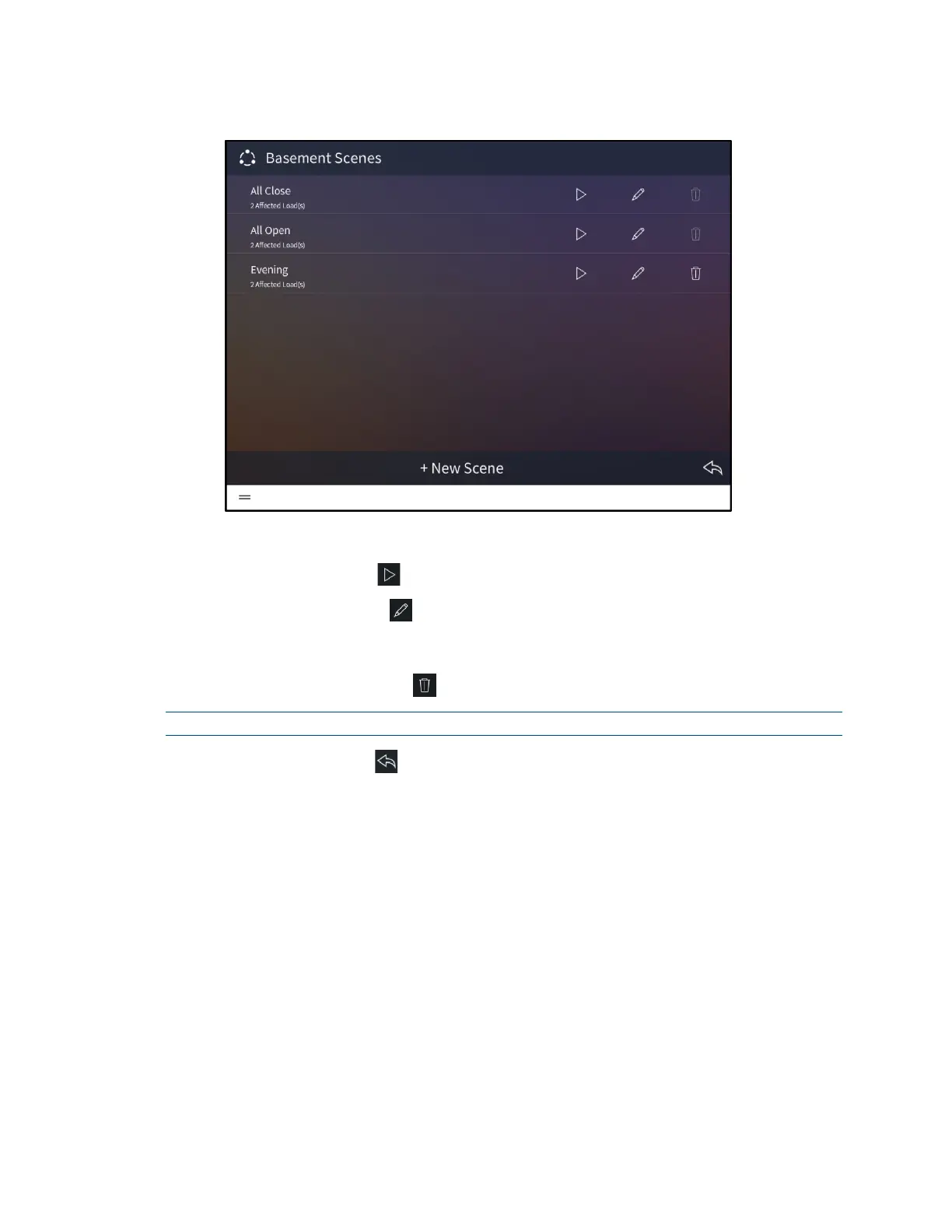
Basement Scenes Screen - Shades
The following configuration options are displayed next to each shade scene:
• Tap the play button to recall the shade scene in real time.
• Tap the pencil button to edit the shade groups that are affected by the scene.
A dialog box for editing scene settings is displayed. Use the settings described in
"Create a User Shade Scene" on page 158 to configure the shade scene.
• Tap the trashcan button to delete the shade scene.
NOTE: All Open and All Closed shade scenes may not be deleted in user control mode.
Tap the back arrow button to return to the shades screen.



 To Next Page