Settings
LD500 V2.03 Seite 32 von 67
11.3.4.2.9 Calibration of touchpanel
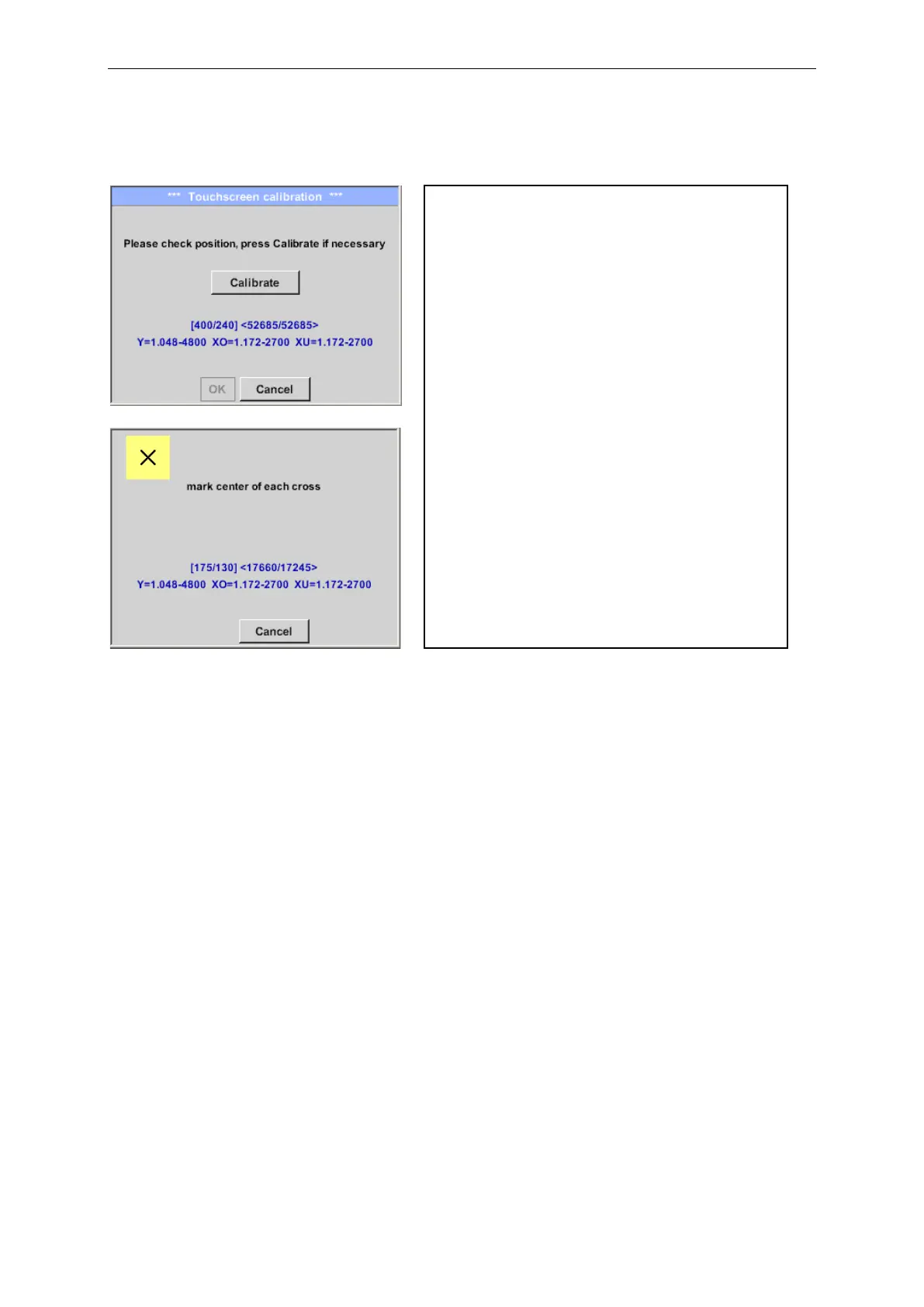
Home ➔Settings ➔ Device settings ➔ calibrate touchscreen
If necessary, the touch-screen calibration
can be changed here.
Push Calibrate and it appears, 1. left
above,2. bottom right, 3. bottom left, 4.right
above and 5. in the middle, a calibration
cross that must be pushed consecutively.
If the calibration finished positive a message
“Calibration successful” appears and have to
be confirmed with OK.
Is this not the case, so you can repeat the
calibration with the help of the Cancel and
Calibrate button.



 To Next Page