114D-Link ShareCenter DNS-320L User Manual
Section 4 - Conguration
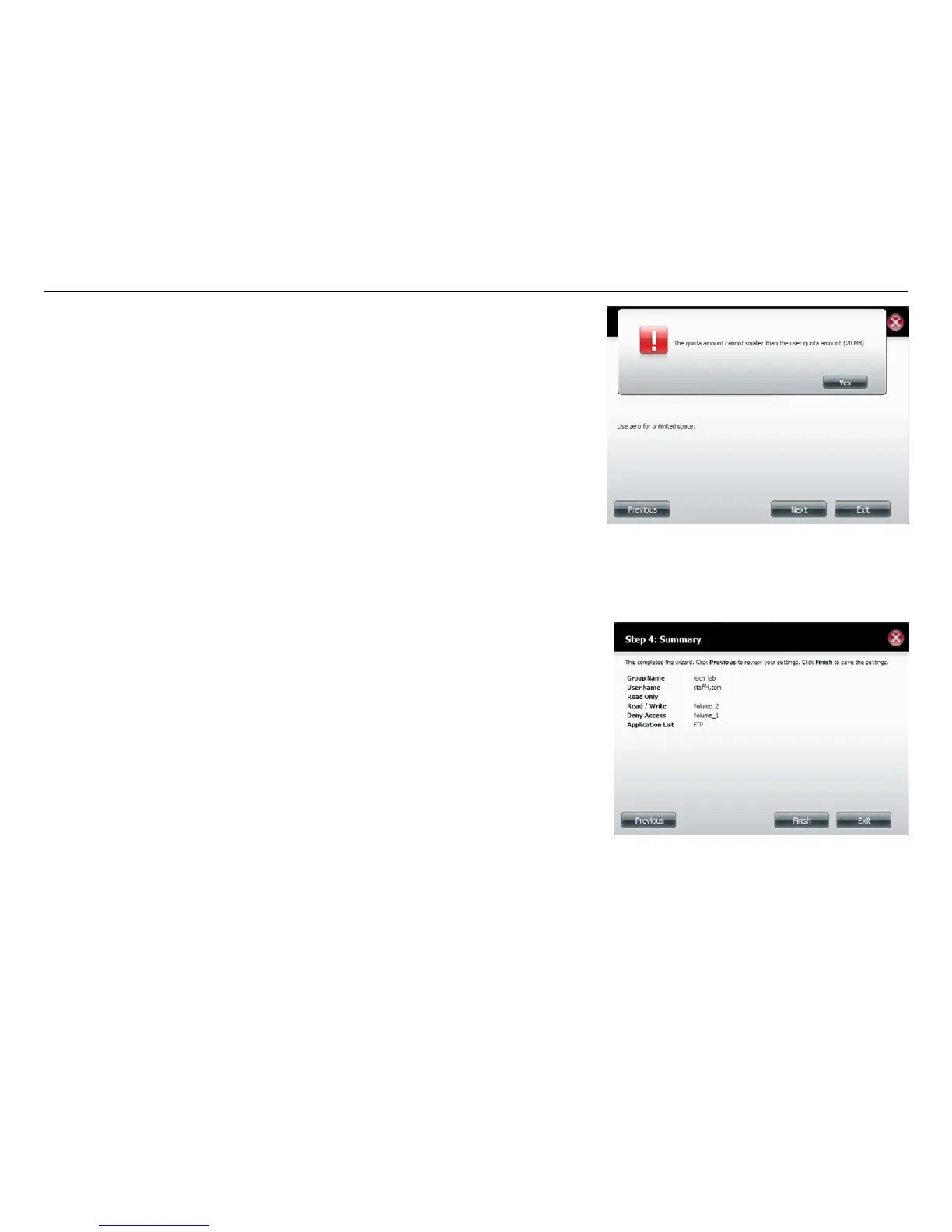
When editing the quota, make sure the size is not smaller than the user
quota on his/her account.
Click Yes to change the quota.
The wizard is now complete and will display a summary of the modied
group settings.
Click Previous to change your settings or Finish to end the wizard. Exit will
cancel all changes you made.















 To Next Page