150D-Link ShareCenter DNS-320L User Manual
Section 4 - Conguration
IPv6 Settings
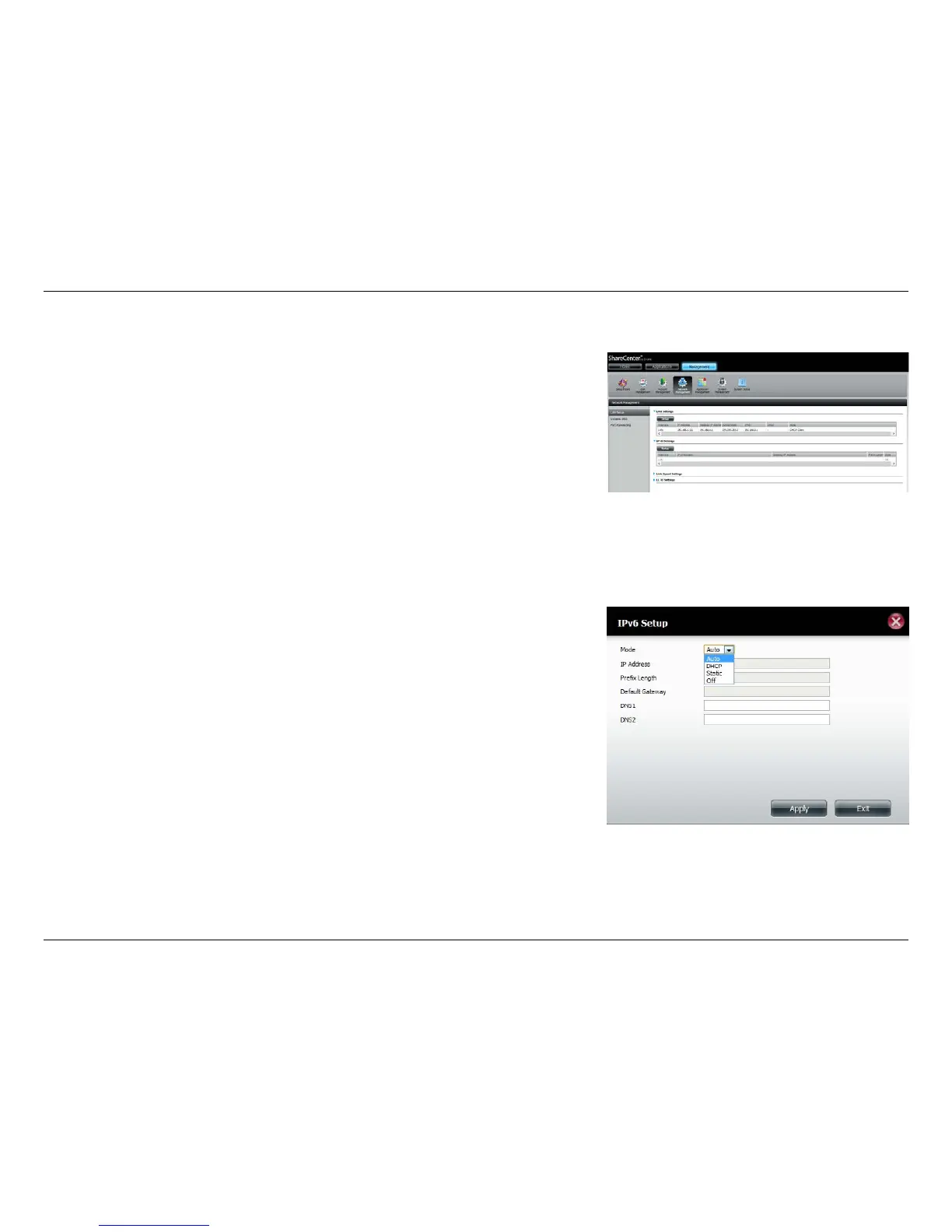
Go to Management >> Network Management >> LAN Setup >> IPv6
Settings and click the Setup button. An IPv6 setup window will appear.
There are four connection modes to select from: Auto, DHCP, Static and O.
Auto - Requests information specically from an IPv6-enabled router and
automatically congure your settings.
DHCP - Requests information from a DHCP server.
Static - Allows you to manually enter your own IP conguration.
O - Disables IPv6 functionality.















 To Next Page