151D-Link ShareCenter DNS-320L User Manual
Section 4 - Conguration
When conguring IPv6 with Static Mode, enter the IP address provided by
your system administrator. The prex length for an IPv6 subnet will always
be 64; no more, no less. Enter the Default Gateway, and DNS settings. Click
Apply when complete. The IPv6 Settings table will now display the settings
in table format.
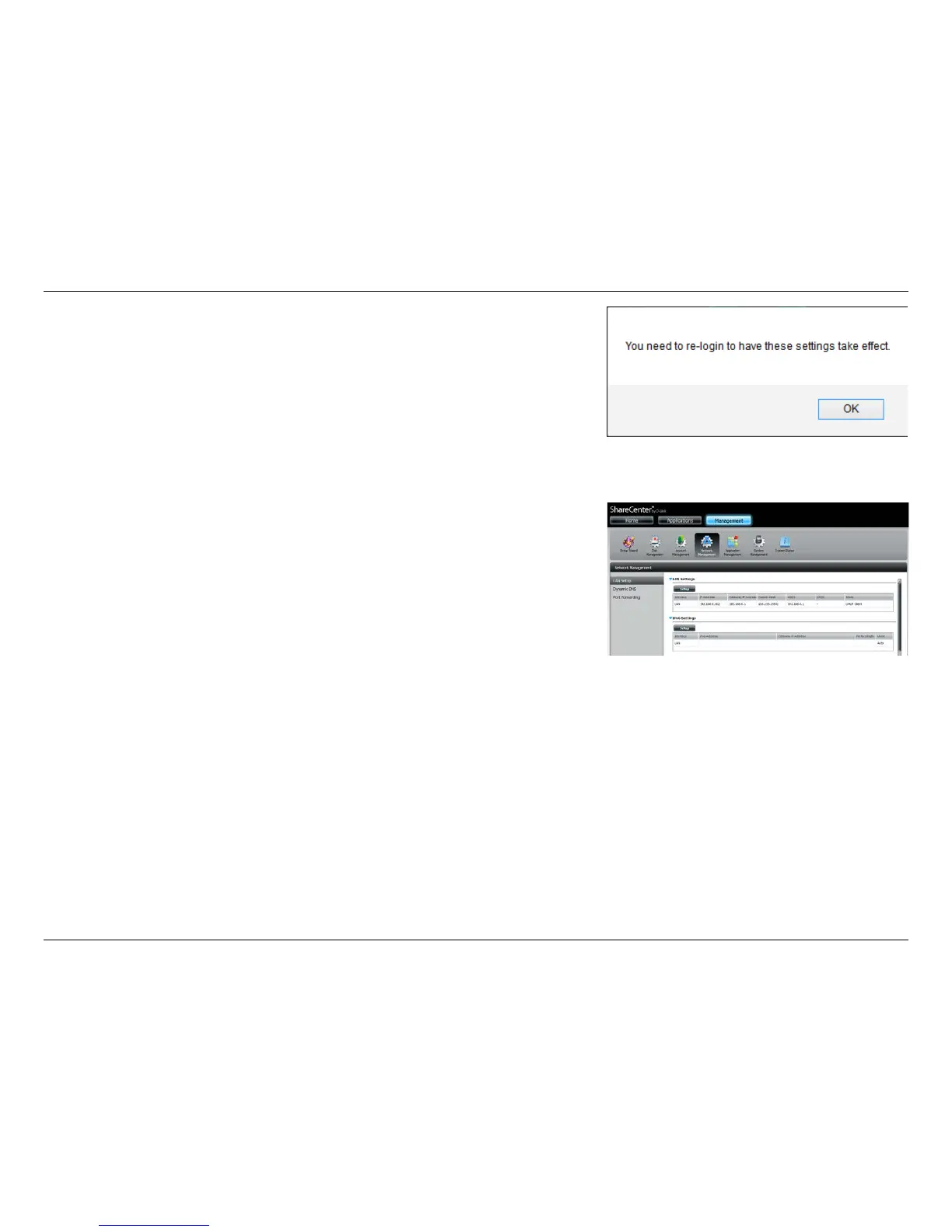
In order for the changes to take eect, you are prompted to re-login. Click OK
and log in again.















 To Next Page